Looking for an LED light bar? Wired, rechargeable, 9-inch, or 16-inch – it's easy to get lost. The market is flooded with products that look similar on paper but perform very differently in reality. This guide gets straight to the point: we organize things by use case, not by catalog. Kitchen, garage, closet, bathroom, hallway — the criteria change completely depending on where you want to install your LED light bar.
Wired or Rechargeable: Ask the Right Question First
Before choosing a model, answer this: do you need a permanent or flexible lighting solution? This isn't about budget; it's about how you'll use it.
When Wired Makes Sense
Wired lighting is ideal when the light has been in the same spot for 10 years and will stay there for another 10. Think under a range hood, in a fixed workshop, or at a permanent workstation. You plug it in once and forget about it. However, installation requires access to an existing electrical circuit. If it's not already there, you'll need an electrician. Expect to pay between $150 and $300 for a standard service call. Factor this cost into your total budget.
When Rechargeable is Smarter
Rechargeable options require none of that. No cables, no contractors, no drilling into cabinets you'll regret in 5 years. You install it, adjust it, and move it if you reconfigure your kitchen or layout. For renters, it's often the only practical option. For our wireless vs. wired LED light bar comparison, we detail the technical differences — a must-read if you're still undecided.
Kitchen LED Light Bar: What Really Matters
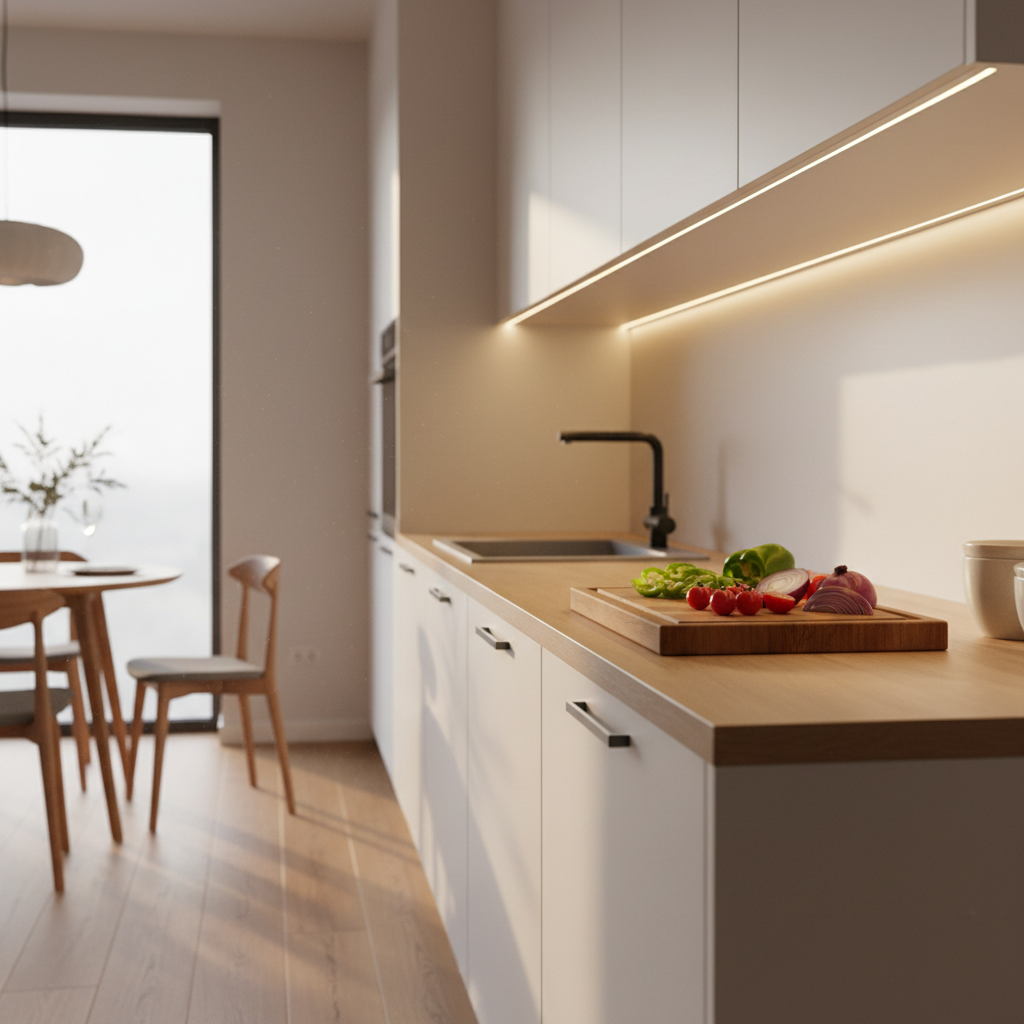
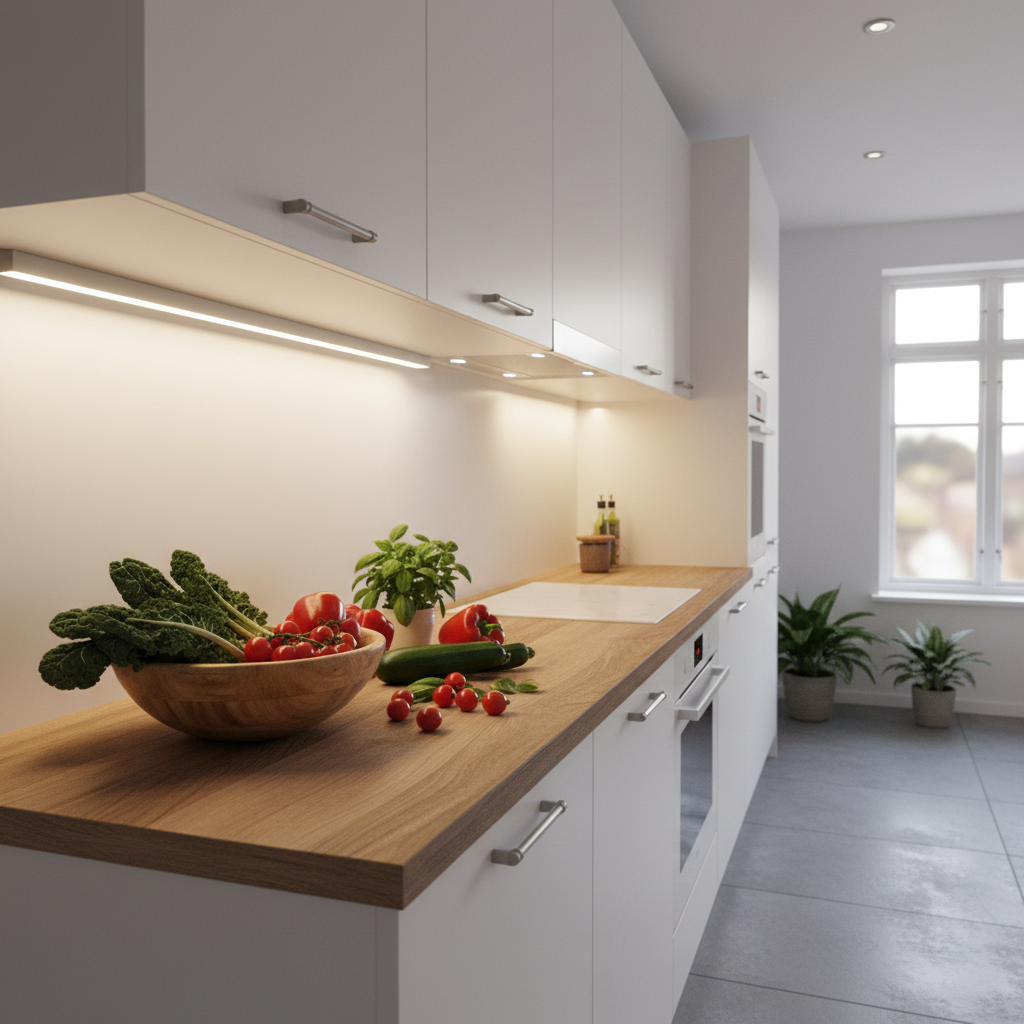
The kitchen is the number one use for an under cabinet LED light bar. It's also where people make the most purchasing mistakes.
What Length for the Kitchen?
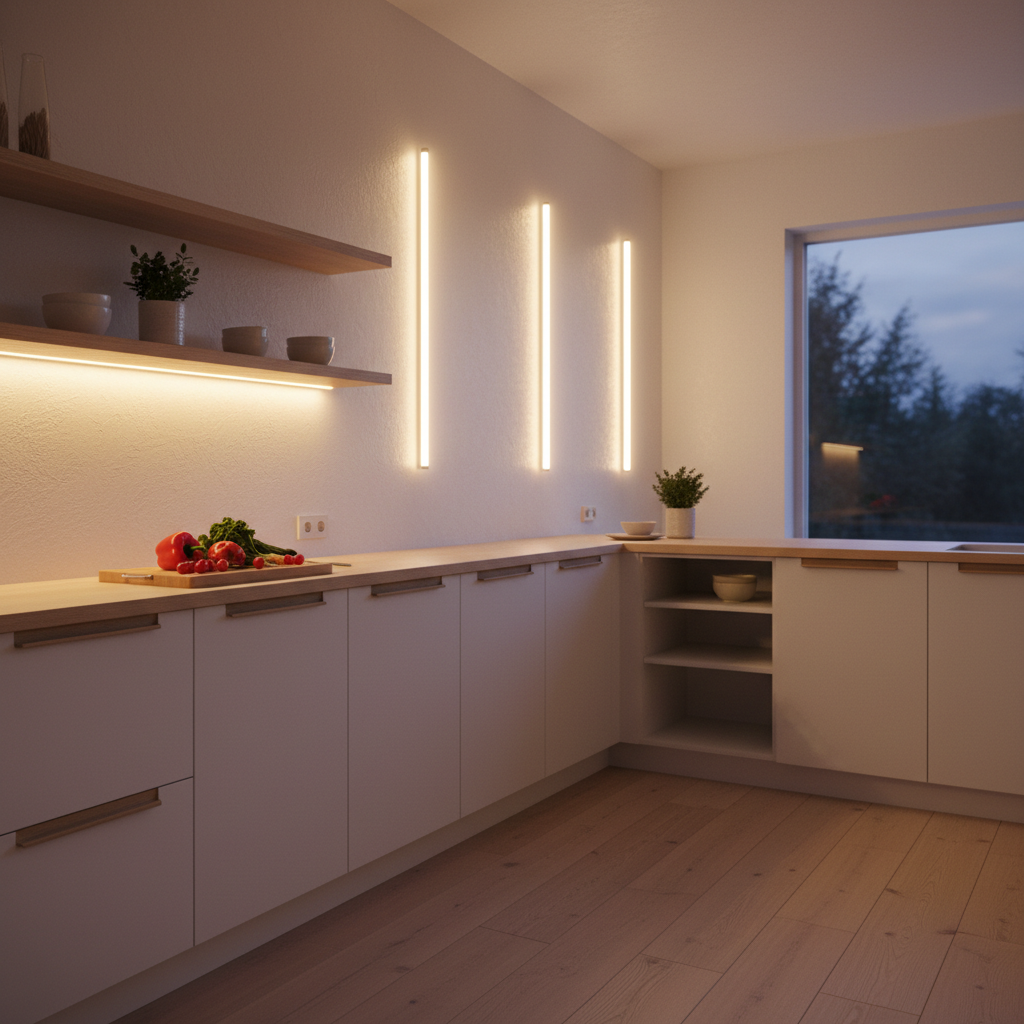
This depends on your countertop and upper cabinet lengths. A 9-inch (23 cm) light bar illuminates a small area, perfect for a single cabinet or specific corner. A 16-inch (40 cm) light bar covers a wider zone and suits standard kitchen countertops. If your counter is longer than 32 inches (80 cm), you can install several side-by-side for a more uniform look than a single long bar.
What Color Temperature for Cooking?
Often overlooked, this is one of the most critical criteria. A too-cool white (6000K) in a kitchen creates a harsh, unpleasant ambiance in the evening. A too-warm white (3000K) can make it hard to accurately judge food colors. Neutral white (4000K) is often the best compromise for cooking. The ideal solution? A light bar with adjustable color temperature — switch it based on the time of day and desired mood. For more on kitchen lighting, our article on LED light bars for the kitchen covers all scenarios.
Does the Adhesive Really Hold Under a Kitchen Cabinet?
This is the real question everyone asks, and few sellers address. Quality industrial adhesive holds perfectly on wood, melamine, and lacquered surfaces — provided the surface is clean and degreased before installation. For old or slightly damaged painted surfaces, magnetic mounting is better: it lets you remove the light bar for recharging without damaging anything.
Garage LED Light Bar: Power and Robustness First
The garage has very different needs than the kitchen. The goal is visibility, not ambiance. You want to see what you're doing under the hood, find a tool in a drawer, or avoid tripping in the dark.
How Much Light Output for a Garage?
A standard garage needs bright, directional light. A 150-lumen light bar (9-inch format) works for a small corner or storage cabinet in the garage. For illuminating a workbench or a high-traffic area, aim for 300 lumens or more. If you have a large garage or workshop, several strategically placed light bars are often better than one large one.
Do I Need a Motion Sensor for the Garage?
In a garage, a motion sensor is especially useful. You walk in with your hands full — the light turns on automatically. You leave — it turns off. No need to fumble for a switch. This also preserves battery life: the light doesn't stay on unnecessarily while you're inside the house. Our article on LED light bars for the garage details optimal sensor installation and positioning.
What About Bathrooms or Outdoors?
If you're considering installation in a bathroom or outdoors, water resistance standards come into play. A standard light bar isn't designed for steam or rain. For these environments, consult our guide on waterproof LED light bars — we clearly explain when it's essential and when you can do without.
Closets, Dressers, Hallways: Battery Life is Key
For closets and dressers, the number one criterion isn't light output — it's how often you have to worry about recharging. A light bar opened 5 times a day in a closet needs to be virtually self-sufficient. You don't want to think about recharging it every week.
How Many mAh for True Battery Life?
This is where it gets interesting. Most rechargeable LED light bars on the market have between 800 and 1500 mAh. In motion sensor mode, that gives you one to two weeks of battery life — which might seem reasonable until you realize you'll be recharging twice a month, forever. The real comfort threshold is 3000 mAh and above. At this level, you get a month or more of battery life with normal daily use. The difference is significant: it's between an accessory you maintain and equipment you forget about (in a good way). To learn more, our guide on rechargeable LED light bars explains how to compare models based on this specific criterion.
The 'Aha!' Moment for Battery Life
Lumic's Movement 3.0 features a 3000 mAh battery — two to three times what entry-level models offer. Practically, in motion detection mode, you get about four weeks of battery life on the 9-inch model, and five to six weeks on the 16-inch model. Installation takes less than thirty seconds (magnetic mounting on adhesive backing, no drilling). Three color temperatures to choose from, adjustable brightness. A quality rechargeable light bar costs about the same as an hour of an electrician's time — and you don't have to install anything.
Repositionable or Permanently Fixed: What's the Real Difference?
A magnetic mounting system lets you remove the light bar for recharging, move it if you change your layout, or lend it to another room for a dinner party. A permanently screwed or glued model stays where you put it — forever, or almost. For a closet or dresser that might be reorganized, magnetic flexibility is a real advantage.
Comparison Table: Which Light Bar for Which Use?
| Use | Wired | Rechargeable | Key Criterion |
|---|---|---|---|
| Kitchen (Countertop) | Yes (if circuit available) | Yes (ideal for renters) | Adjustable color temperature |
| Garage / Workshop | Recommended (heavy use) | Possible (motion sensor) | Light output |
| Closet / Dresser | Rarely justified | Yes (3000 mAh minimum) | Battery life |
| Hallway / Staircase | Yes (permanent installation) | Yes (motion sensor) | Motion sensor |
| Bathroom | Yes (with IP rating) | Depends on model (check IP) | Water resistance rating |
What People Often Forget to Check Before Buying
Beyond product specs, some details make all the difference in daily use.
Mounting Surface: Prepare Before Sticking
The strength of an adhesive mount depends 80% on surface preparation. Wipe the area with rubbing alcohol or a degreaser, let it dry for two minutes, then apply. On a greasy or dusty surface, even the best adhesive will only last a week. It's that simple, and it's the primary cause of disappointment with under cabinet light bars.
Continuous Mode vs. Motion Detection Mode
Many light bars offer both modes. Continuous mode is useful when you're working in one spot for a long time — you don't want the light to turn off because you haven't moved in 30 seconds. Motion detection mode is ideal for closets, hallways, and areas you pass through without lingering. Checking that your chosen model offers both modes ensures true versatility.
The Warranty: What It Tells You About the Product
A 2-year warranty is the legal minimum. A 5-year warranty signals that the manufacturer trusts its battery and components. It also differentiates a product designed for longevity from one designed just for sales. Warranty duration is often more revealing than technical specifications. For more information, our article on LED light bar lifespan provides concrete benchmarks.
How to Install Your LED Light Bar in Under a Minute
For a wireless magnetic light bar, installation is a three-step process.
Step 1: Prepare the Surface
Clean the area with a slightly damp cloth or degreaser. Let it dry completely. This is the most important step and the most often skipped. A clean surface guarantees the adhesive backing will hold for years.
Step 2: Attach the Adhesive Mount
Position the magnetic mount where you want the light bar. Press firmly for 30 seconds. If your model allows, wait a few hours before attaching the light bar so the adhesive fully cures. Some mounts can also be screwed in if you prefer a mechanical fixation.
Step 3: Clip the Light Bar and Adjust
The light bar snaps onto the magnetic mount in one click. Adjust the color temperature and mode (detection or continuous) as needed. You're done. No tools, no wires, no mess. For a successful first-time installation, our complete guide to choosing your LED light bar also covers common mistakes to avoid.
Key Takeaways for Choosing Your LED Light Bar
The perfect LED light bar doesn't exist outside of your specific use case. What matters is asking the right questions in the right order: where will I install it, is it permanent, what battery life do I expect, what kind of light ambiance do I want? Once you have these answers, the choice becomes clear.
For a closet or an area without an accessible electrical circuit, rechargeable is the way to go — provided you aim for at least 3000 mAh to avoid constant recharging. For the kitchen, adjustable color temperature offers real daily comfort. For the garage, power is paramount. And everywhere, a well-calibrated motion sensor transforms lighting from merely useful to truly practical.
Lumic's Movement 3.0 (4.5/5 stars from over 2200 Trustpilot reviews) checks these boxes for indoor use — 5-year warranty, 90-day satisfaction guarantee, US-based customer support. But whatever your final choice, the key is not to buy based on specs alone: your use case dictates the best solution.