Need light where there's no outlet? Renting and can't drill holes? Or just want to move your lamp without fighting a cord? A wireless light solves all these problems—if you pick the right one.
The market is flooded with gadgets that die after three days. And a rechargeable table lamp, a magnetic under cabinet LED light bar, or a clip-on spotlight all serve different purposes. This guide helps you navigate the options with one simple, brutal criterion to separate the good from the bad: battery capacity.
Why Wireless Lights Are So Popular Right Now
Wireless lights are no longer a niche product. They've become a practical solution for millions of households—renters, homeowners avoiding renovations, people who frequently redecorate, or simply those tired of tangled cords.
What Exactly Is a Wireless Light?
A wireless light is a fixture powered by an integrated rechargeable battery, without a permanent connection to the electrical grid. It recharges via USB or solar panel and operates autonomously for varying durations depending on its battery capacity.
This isn't a candle holder with a battery-powered bulb. Modern models use low-consumption LEDs and lithium-ion batteries that can last several weeks with normal use.
Who Benefits Most?
Wireless lights excel in these situations:
- Renters: No holes in walls, no visible cables, no security deposit deductions. Installing a rechargeable light bar costs a fraction of an electrician's fee.
- Spaces without outlets: Closets, under cabinets, basements, dark hallways.
- Mobility: A light you can move from room to room, or take outdoors.
- Phased renovations: Lighting an area while waiting for proper wiring.
However, let's be honest: a wireless light won't replace wired lighting in a main living room or an entire kitchen. For intense, permanent primary lighting, wired solutions are still more suitable. Wireless is a smart complement, not a universal replacement.
The #1 Criterion to Avoid Mistakes: Battery Capacity
Here's a simple rule to apply to any wireless light before buying:
Below 1500 mAh, you'll be recharging weekly. This is acceptable for very occasional use but quickly becomes annoying for daily use.
Between 1500 and 3000 mAh, you're in the market average. Expect 2 to 3 weeks of battery life in motion sensor mode, a few hours in continuous mode.
Above 3000 mAh, you can forget about the charger for a month. This is the threshold where the light becomes truly convenient to use without thinking about it.
This figure is often deliberately hidden in product descriptions for entry-level models. If you can't find it, that's a bad sign. To learn more about LED battery longevity, check out our article on rechargeable LED light lifespan.
Why Battery Capacity Trumps Advertised Brightness
A light boasting 800 lumens with an 800 mAh battery will die after an hour or two in continuous mode. 800 lumens are useless if you spend all your time recharging it. Conversely, a 300-lumen light with 3000 mAh will work for weeks in motion sensor mode—and this combination truly changes daily life.
What Does Motion Sensor Mode Mean for Battery Life?
The motion sensor is battery life's best friend. Instead of staying on constantly, the light activates only when someone passes by. Result: a 3000 mAh battery in continuous mode provides about 5 to 8 hours, but in motion sensor mode, the same battery can last 4 to 6 weeks. That's the difference between a gadget and an everyday tool.
Types of Wireless Lights and Their Uses
There isn't just one type of wireless light; there are several product families with very different functionalities. Here's how to understand them.
| Type | Primary Use | Typical Battery Life | Brightness | Portable? |
|---|---|---|---|---|
| Rechargeable Table Lamp | Ambiance, desk, bedside | 5 to 20 hours continuous | Medium (ambiance) | Yes |
| Wireless LED Light Bar | Under cabinet, closet, kitchen | 4 to 6 weeks (motion sensor) | Functional (150-320 lm) | Yes (magnetic) |
| Wireless Spotlight / Wall Sconce | Artwork, niche, hallway | 3 to 10 hours continuous | Variable | Depends on mounting |
| Outdoor Solar Lamp | Pathway, patio, gate | 20 days without sun | High (1200 lm) | Limited (fixed) |
The Rechargeable Table Lamp: Total Freedom
This is the most portable type. Place it anywhere, move it as needed. Ideal for ambiance on a living room table, reading on a bedside table, or working at a desk without an outlet nearby.
Key point: wireless table lamps are often designed for ambient lighting, not functional. Their brightness is soft, and their continuous battery life is shorter (generally a few hours at full power). If you're looking for versatility with portable rechargeable LED lamps, this is the category to explore.
The Wireless LED Light Bar: Most Practical for Daily Use
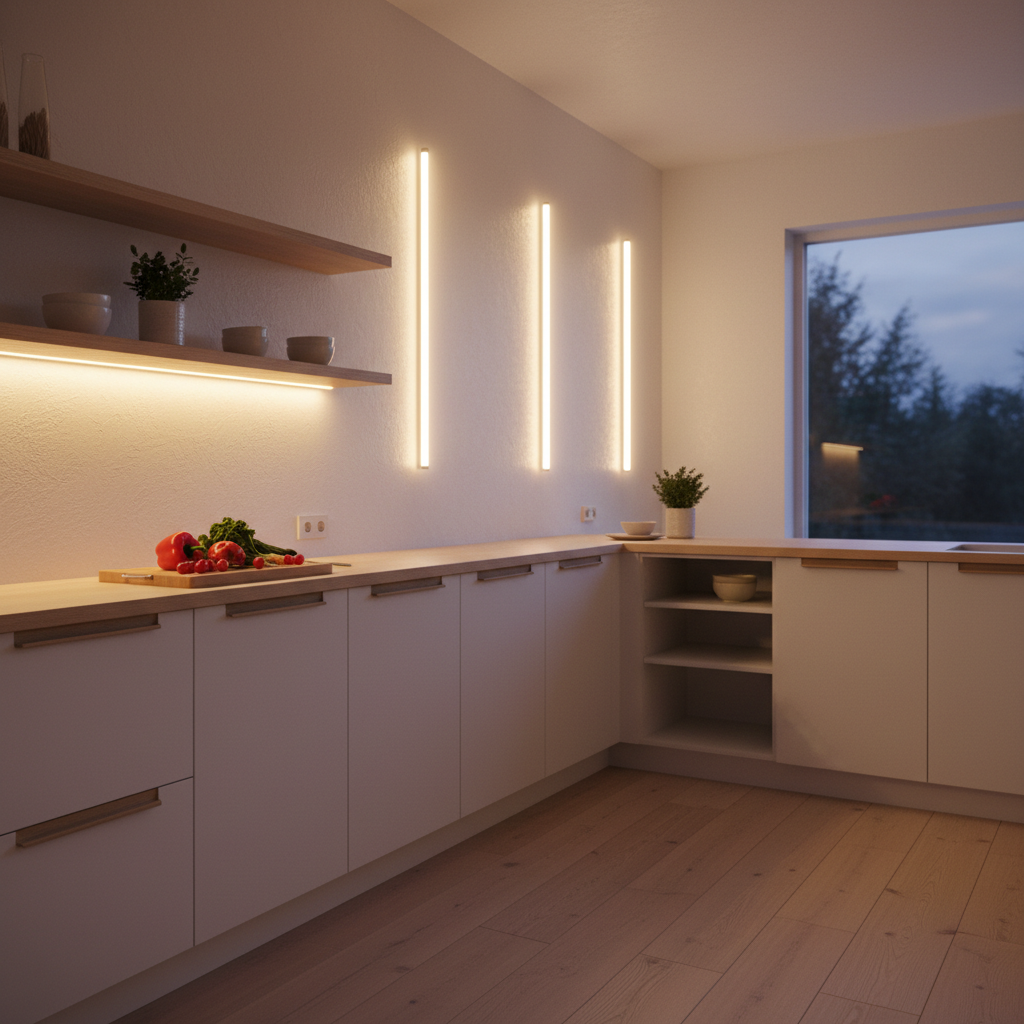
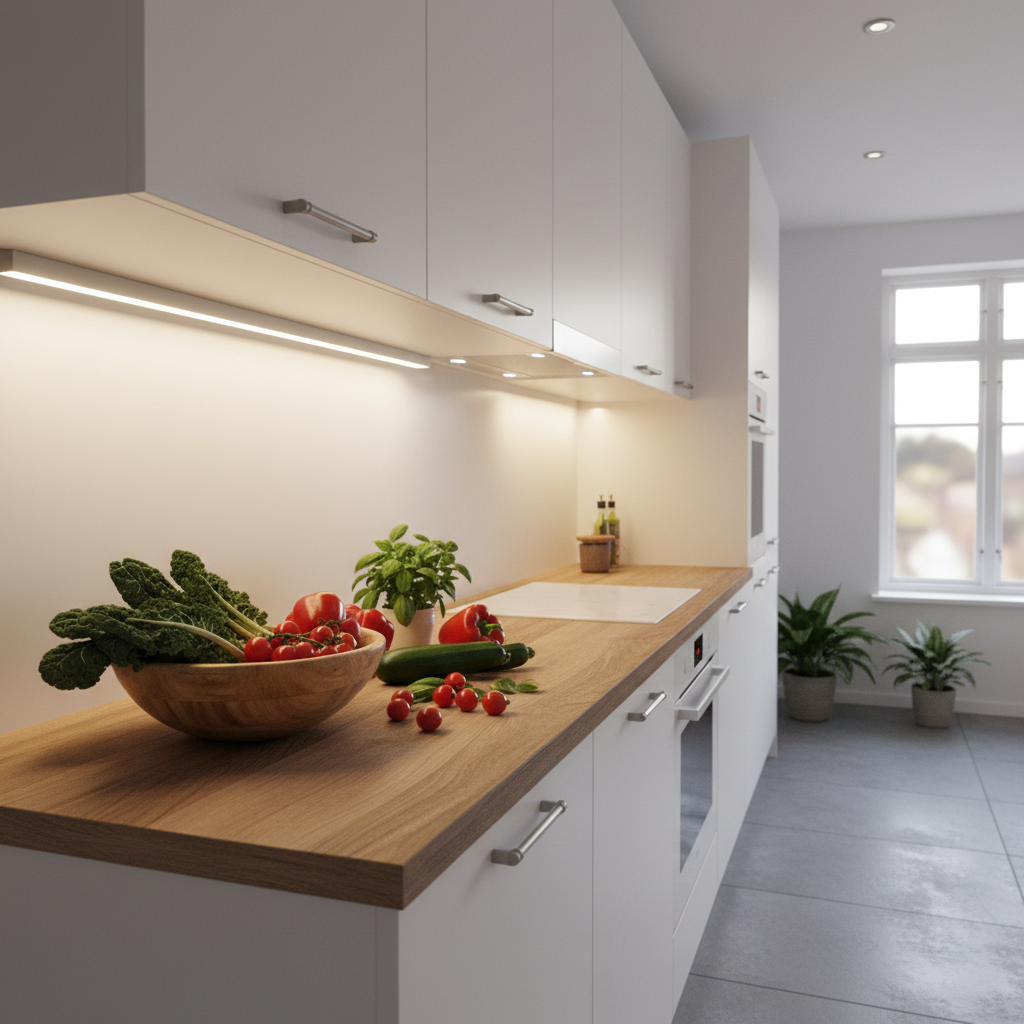
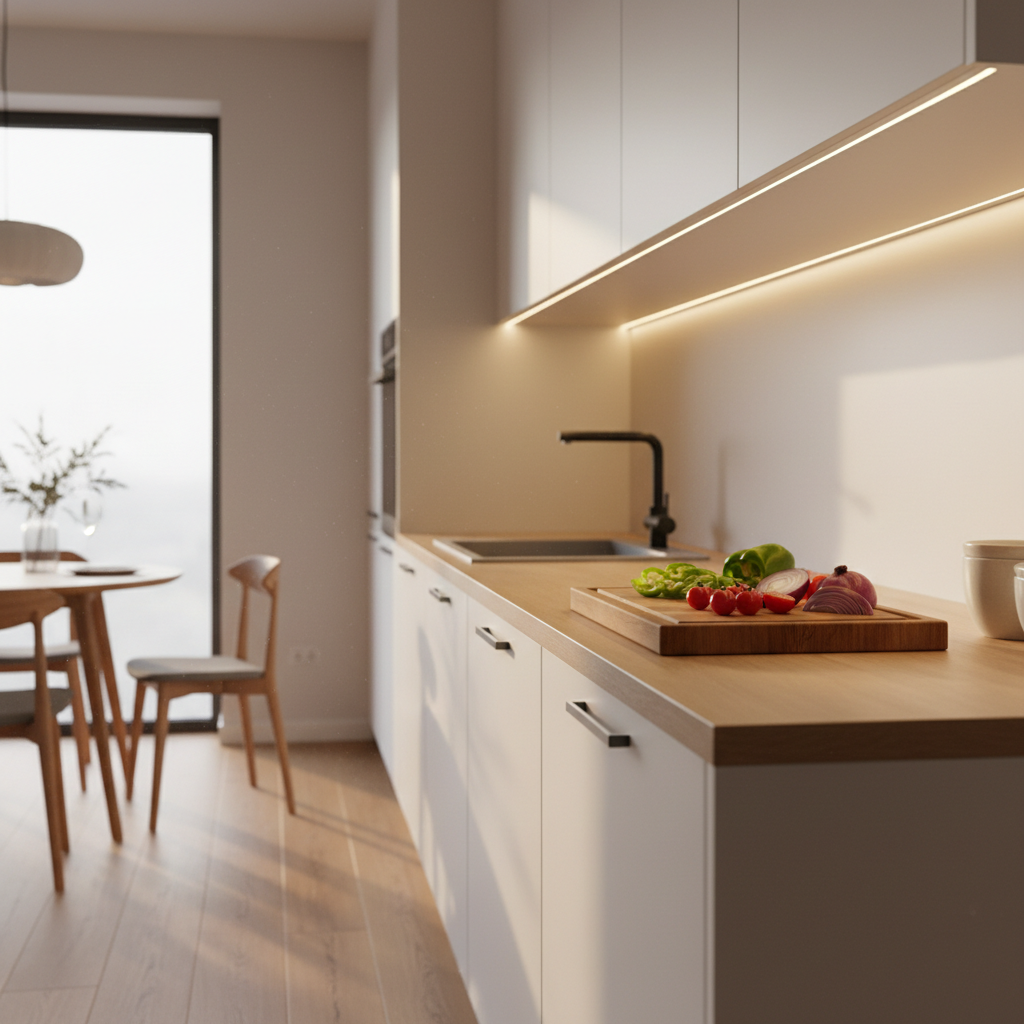
This category has seen the most progress in recent years. A wireless LED light bar sticks under a cabinet, inside a closet, or along a staircase—no drilling, no wiring. It turns on when you pass, turns off by itself. You don't have to think about it.
The decisive factor here is still the battery. Entry-level light bars found at Home Depot/Lowe's or on Amazon often have 500 to 1000 mAh. Result: you recharge weekly, and frustration sets in. To compare models available on the market, our wireless LED light bar comparison will give you a complete overview.
Among light bars exceeding 3000 mAh, the Lumic Movement 3.0 is a benchmark: 3000 mAh battery (3x larger than standard competitors), two sizes (9 inches / 16 inches), three color temperatures to choose from, removable magnetic mounting. In motion sensor mode, expect 4 weeks for the 9-inch, 5 to 6 weeks for the 16-inch. USB rechargeable. 5-year warranty.
The Wireless Spotlight and Wall Sconce: For Walls Without Outlets
This type of light is perfect for highlighting artwork, illuminating a niche, or brightening a hallway without electrical installation. Mounting is usually adhesive or rail-based. Battery life varies greatly depending on the model and chosen brightness. If you want to light a specific wall or area, our article on wireless wall lights covers all available options.
The Underrated Benefits of Wireless Lighting
Beyond the absence of cables, there are tangible benefits you might not consider when buying.
For Renters, It's a Financial Matter
A renter installing a wireless light bar makes no holes. No aggressive adhesive either if the product is well-designed. Result: zero security deposit deductions upon moving out. This is a real, often underestimated, saving. And a quality rechargeable light bar costs a fraction of what an electrician would charge to install recessed lighting.
Lighting Flexibility Changes Your Relationship with Space
When your lighting is mobile, you can experiment with configurations. Place the light where you need it tonight, move it tomorrow. This isn't possible with fixed wired lighting. For an overview of what wireless lighting offers in each room, the article on wireless indoor LED lighting solutions is a good starting point.
Zero Energy Waste with Motion Sensor Detection
A light left on in a closet means a dead battery the next day. Motion detection solves this automatically: the light activates when someone passes, then turns off after a few seconds. Battery life multiplied by 5 or 10 compared to continuous mode is the direct result of this operation. For outdoors, some wireless lights with motion sensors combine solar energy and PIR sensors—nearly infinite battery life without ever plugging anything in.
What to Check Before Buying
The wireless light market is crowded with products that look like good deals but disappoint in daily use. Here are 5 points to systematically check.
Pre-Purchase Checklist
- Battery Capacity (mAh): Always displayed? Below 1500 mAh, skip it if you want daily, hassle-free use.
- Charging Type: USB-C or micro-USB? Is the cable included? Can you leave the light in place to recharge, or do you have to remove it?
- Mounting: Simple adhesive (does it last?), magnetic (can it be removed without leaving marks?), or screws (drilling required?).
- Available Modes: Continuous, motion sensor, or both? The choice should be easy to make on the product itself.
- Warranty: A 1-year warranty on a battery is short. Aim for at least 2 years, ideally 5 years, as Lumic offers on the Movement 3.0.
Color Temperature: Warm White, Neutral, or Cool?
This is often the overlooked detail. The same lamp with the wrong color temperature can ruin a room's ambiance.
- 3000K (warm white): Cozy, ideal for bedrooms, living rooms, entryways. Light similar to incandescent.
- 4000K (neutral white): Versatile, good for kitchens, offices, walk-in closets. Neither too warm nor too cool.
- 6000K (cool white): Daylight-like, perfect for workshops, garages, technical workspaces.
A model that lets you choose among these three options—like the Movement 3.0—will give you much more flexibility than a light locked into a single temperature.
Wireless Light: What It Can't Replace
An honest guide also tells you what doesn't work. Wireless lights have limitations, and ignoring them leads to disappointment.
It's not for primary lighting in a large room. 150 to 320 lumens under a cabinet is perfect for a countertop or closet. But to illuminate a 320 sq ft living room, you need wired lighting or several combined sources.
Continuous mode battery life remains limited. If you need a light on 8 hours a day constantly, a rechargeable solution will require frequent recharges. Motion sensor mode changes the game, but it's not always suitable for all uses.
Adhesive mounting quality depends on the surface. On raw wood, rough concrete, or a fragile painted surface, the adhesive might not hold well or could damage the surface. Always check surface compatibility before sticking anything.
To explore all options for lighting without electricity—not just wireless lights—other complementary solutions are worth considering.
Using Your Wireless Light Effectively: Practical Tips
Where to Place It for Optimal Results?
Placement makes all the difference. An LED light bar placed at the front of the cabinet illuminates the workspace below. Placed at the back, it illuminates the backsplash or wall. For a kitchen countertop, the front position is almost always best. For a closet, center or top placement is sufficient.
How to Maximize Battery Life?
Three simple habits:
- Always use motion sensor mode when possible.
- Set brightness to the minimum necessary (often 50% is enough for a closet).
- Choose a warmer color temperature in the evening, which consumes slightly less than cool white at equivalent brightness.
If you're interested in the overall longevity of this type of product—battery and LED combined—our article on rechargeable LED light lifespan goes into detail about charge cycles and component durability.
Can You Stack Multiple Wireless Lights in One Room?
Yes, this is often the best approach. A light bar under upper kitchen cabinets + another in the pantry + a spotlight on the central countertop. Each turns on independently. No visible cables, no shared installation. This is the modular logic of wireless: you build your lighting layer by layer, without constraints.
Key Takeaways for Choosing Your Wireless Light
The market for wireless LED lights has matured significantly. You'll find very decent products, but also many disappointments packaged in white plastic. The 3000 mAh rule saves you every time: above this threshold, you have a light; below, you have a gadget to recharge.
For under cabinet light bars, rechargeable LED light bars are the most mature and useful category for daily use. For walls and sconces, the wireless spotlight or sconce format is better. And for those who want to understand why wireless is truly worth it, the benefits of a wireless LED light bar are detailed elsewhere on the blog.
A good rechargeable wireless light is judged on three criteria: sufficient battery, reliable mounting, and operating mode suited to your use. If these three boxes are checked, you'll have light where you need it, hassle-free, no renovations required.