What You Miss When Choosing a Rechargeable LED Light Bar
Most people look at price, length, maybe brightness. What they almost always ignore is battery capacity. Yet, this is what determines whether you'll recharge your rechargeable LED light bar once a month or... once a week like your electric shaver.
A light bar you recharge every week is a hassle. A light bar you recharge once a month disappears from your to-do list. This guide gives you the real criteria to avoid constantly recharging your light bar.
The Battery: The Only Number That Truly Matters
What Exactly is mAh?
mAh (milliampere-hour) measures battery capacity. The higher this number, the longer your rechargeable LED light bar lasts between charges. It's that simple.
To give you a concrete benchmark: an 800 mAh battery in an LED light bar provides about 5 to 7 days in motion sensor mode with normal use. A 3000 mAh battery lasts 4 to 6 weeks. That's the difference between recharging every Sunday or thinking about it once a month.
The Comfort Threshold: 1500 mAh or 3000 mAh?
In practice, we can establish two levels:
- Below 1500 mAh: You'll recharge every week to ten days. This works if the light bar is installed in an easily accessible spot, or if you never forget to recharge. In reality, most people find this inconvenient.
- From 3000 mAh and up: You'll pass the one-month mark. You'll forget it's even there, and that's exactly the goal. This is what we call the comfort threshold. You turn on your light bar in the morning, it turns off at night, and you don't think about it again.
What you find on most online marketplaces is 800 to 1500 mAh. These products quickly drain their batteries and make you feel like you're recharging more often than your phone. This is one reason why returns are so frequent for these products.
Lithium or NiMH: Does It Make a Difference?
Yes, and a significant one. Lithium-ion (Li-ion) or lithium polymer (LiPo) batteries are far superior to the older NiMH accumulators found in early rechargeable light bars:
- They recharge faster.
- They discharge slower in standby.
- They retain their capacity longer over time (more charge/discharge cycles).
- They don't have a memory effect (you don't need to fully drain them before recharging).
If the manufacturer doesn't specify the battery type, ask or check customer reviews. Serious rechargeable LED light bars use lithium.
USB or USB-C: The Detail That Will Save You Trouble
Why the Charging Port Matters as Much as the Battery
You found a light bar with 2500 mAh, good battery life, good price. But the included cable is a proprietary micro-USB that's impossible to find once you lose it. Six months later, you can no longer recharge it.
This scenario happens more often than you'd think. The charging port is a long-term convenience factor. Here's what to remember:
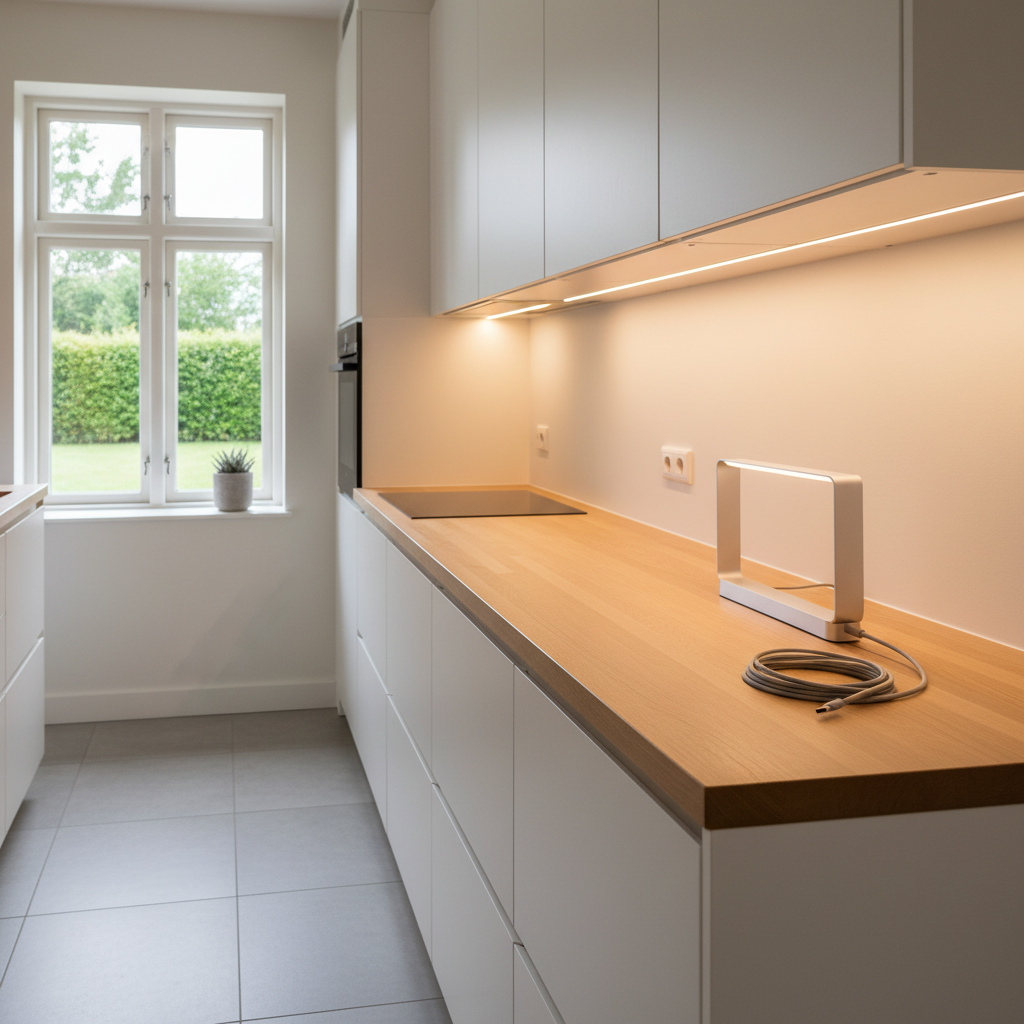
- USB-C: This is the universal standard. You use the same cable as your phone, headphones, or computer. It's convenient, durable, and you'll always find a replacement cable.
- Micro-USB: Still present on many battery-powered LED light bars. It works, but the connector wears out faster, and the cable is less universal.
- Proprietary cable: Absolutely avoid if you want to keep your light bar for several years.
How Long Does It Take to Recharge an LED Light Bar?
This depends on the battery capacity and the power of the included charger. For a 3000 mAh battery, expect generally 3 to 5 hours with a standard charger. You can recharge it overnight, and your light bar will be ready in the morning. To fully enjoy this battery life, also check our guide on optimizing your LED light bar's battery life — it details the factors that truly influence lighting duration in real-world conditions.
Real Battery Life: Motion Sensor vs. Continuous Mode
Why Manufacturers Give Numbers That Don't Match Reality
When a manufacturer advertises "30 days of battery life," they almost always refer to motion sensor mode, with very moderate use. In reality, battery life depends on two main factors:
- Trigger frequency: A light bar in a high-traffic hallway turns on often, consuming more power. A light bar in a closet opened twice a day lasts much longer.
- Illumination duration after detection: Some models stay on for 10 seconds, others for 30 seconds, and some even offer a choice. The longer the duration, the more battery you consume per trigger.
Motion Sensor Mode vs. Continuous Mode: Which to Choose?
Motion sensor mode is designed to be energy-efficient. The light bar turns on when you pass by, then turns off a few seconds later. This is the default mode for applications like a closet, a hallway at night, or a dressing room. This mode allows for battery life of a month or more.
Continuous mode, on the other hand, keeps the light bar on constantly. This is practical for working on a countertop without interruption, but it drains the battery much faster. With a 3000 mAh battery, expect only a few hours in continuous mode. That's why a rechargeable LED light bar used primarily in continuous mode will likely need to be recharged by the end of the day.
The smart strategy: use motion sensor mode by default, switching to continuous mode only when you're working and need stable lighting. This significantly extends battery life.
Mounting: Magnetic, Adhesive, or Screws?
Magnetic: The Most Convenient Standard for a Rechargeable Light Bar
A rechargeable LED light bar has a constraint that wired models don't: you need to remove it to recharge, then put it back. This action must be simple. That's where magnetic mounting changes everything.
With a magnetic system, you remove the light bar with one motion and put it back with another. No unscrewing, no peeling off adhesive, no risk of damaging furniture. The light bar attaches and detaches in seconds.
Industrial Adhesive: Does It Really Hold Up?
Good industrial adhesives (like 3M) hold perfectly, even under a kitchen cabinet subjected to heat and humidity. But they are not designed to be removed and reattached regularly. If you have to remove your light bar every week to recharge it and your mounting is only adhesive, you'll eventually damage the surface or lose adhesion.
The best rechargeable light bars combine both: an adhesive mount fixed permanently to the furniture, and the light bar magnetically attaching to this mount. You detach the light bar for recharging, and the mount stays in place. This is the most practical system for the long term.
And Screws? For Extreme Cases Only
Screw mounting is suitable for wired light bars that are never moved. For a rechargeable light bar, it's rarely relevant. You won't screw and unscrew it every time the battery is dead. If you absolutely need permanent mounting, choose a hybrid mount/clip system rather than direct screws into the light bar.
For renters who want to avoid drilling, the industrial adhesive + magnetic mounting combination is the ideal solution. To better understand all available wireless options, our complete comparison of wireless LED light bars reviews the main models on the market.
Brightness and Color Temperature: Calibrate According to Use
How Many Lumens for a Rechargeable LED Light Bar?
Lumens measure the amount of light emitted. For a rechargeable LED light bar, the use case determines the minimum threshold:
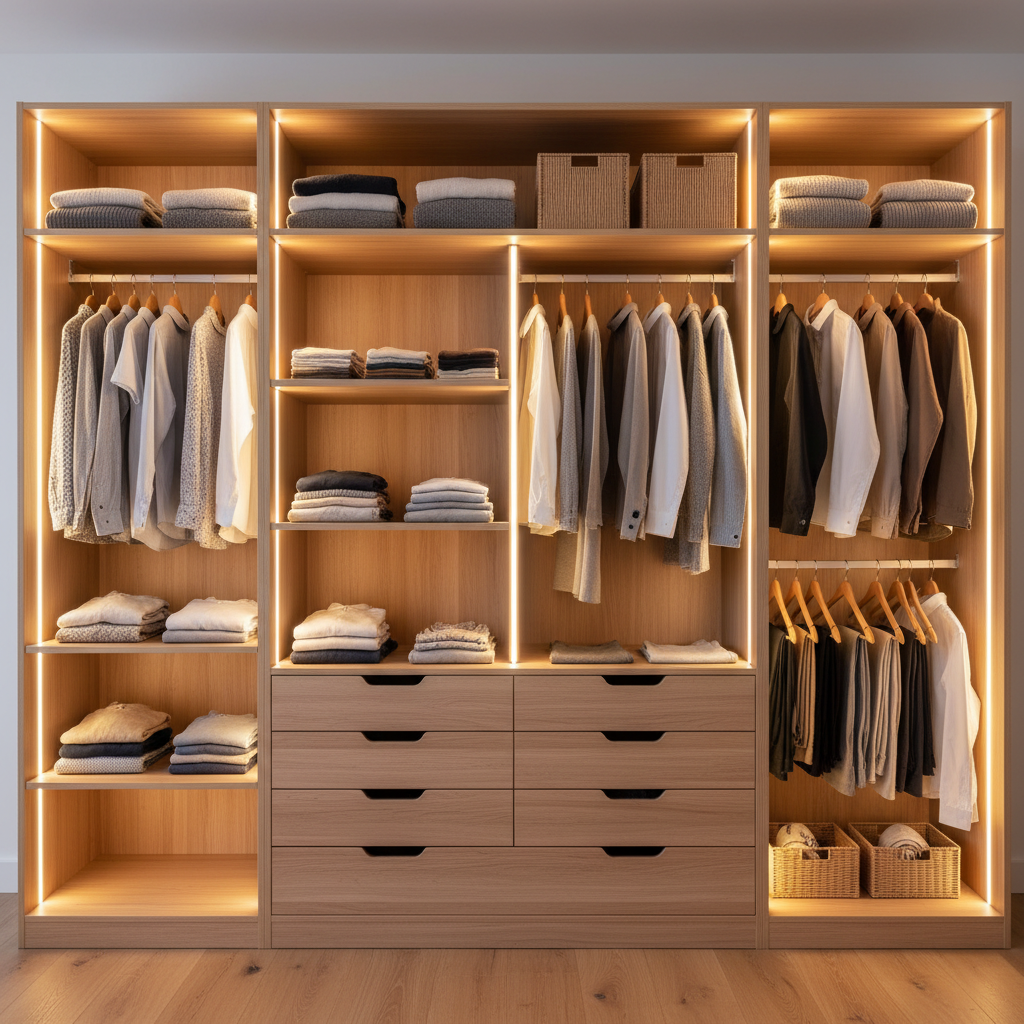
- Closet, dressing room, drawer: 100 to 200 lumens are ample. The space is small, and you need to see, not to be dazzled.
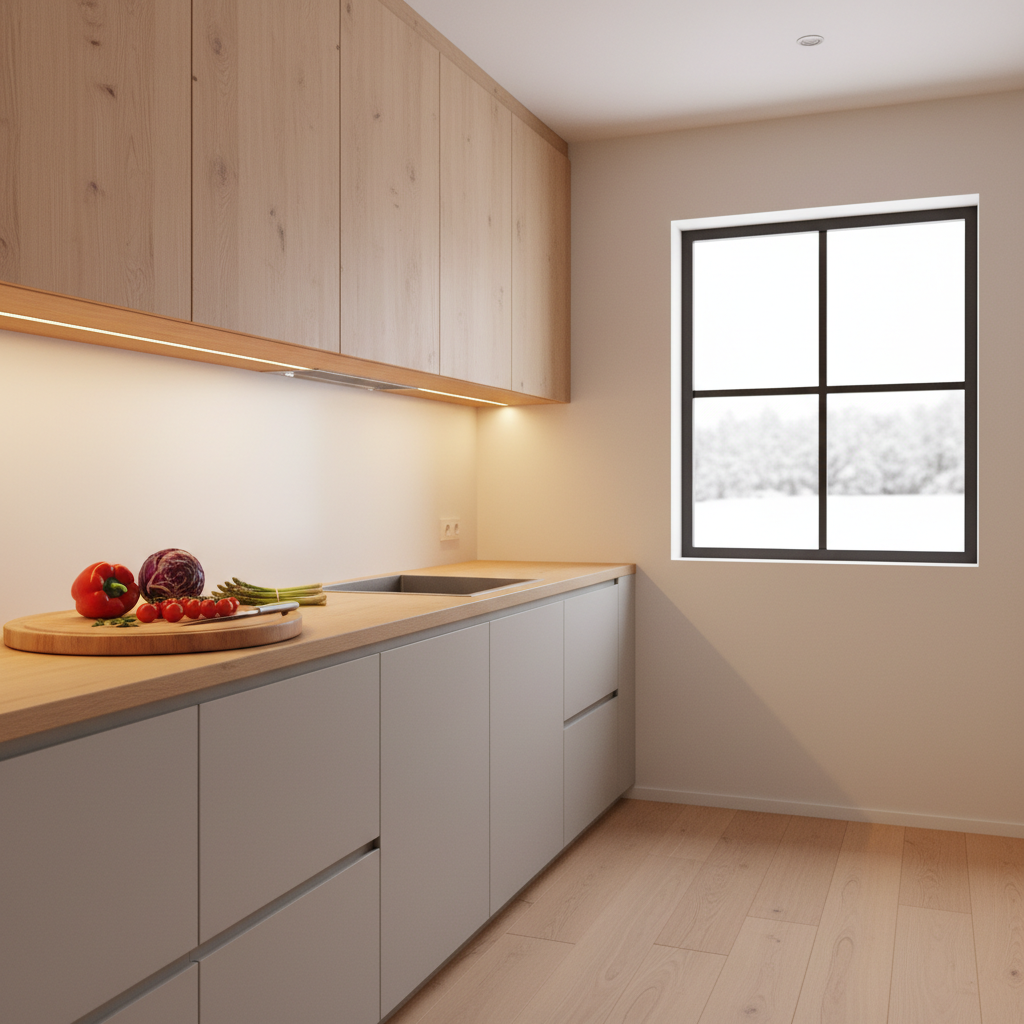
- Kitchen countertop: 250 to 400 lumens for an approximately 16-inch (40 cm) battery LED bar. Below this, the light will be insufficient for comfortable cutting or cooking.
- Hallway, stairs: 100 to 200 lumens work well, especially since in motion sensor mode, the light doesn't need to be strong to guide your steps.
Warm, Neutral, or Cool White: What's the Practical Difference?
Color temperature (in Kelvin) changes the perceived atmosphere of a room, and also your eye strain:
- 3000 K (warm white): Golden light, similar to a traditional incandescent bulb. Ideal for relaxation areas or nighttime hallways. Easy on the eyes.
- 4000 K (neutral white): Balanced white light, versatile. Good compromise for a kitchen or countertop.
- 6000 K (cool white): Bluish-white light, close to daylight. Boosts concentration but can be unpleasant in living spaces. Better for workshops or garages.
If you can choose the color temperature of your rechargeable kitchen LED, start with neutral white (4000 K) for the kitchen and warm white (3000 K) for living areas. If the model offers three adjustable temperatures, that's a real advantage.
Comparison Table: Criteria to Check Before Buying
| Criterion | Basic Level | Comfort Level | Our Recommendation |
|---|---|---|---|
| Battery | 500 - 1000 mAh | 1500 - 2000 mAh | 3000 mAh and up |
| Charging Port | Micro-USB / proprietary | Universal Micro-USB | USB-C |
| Mounting | Adhesive only / screws | Strong adhesive | Magnetic + adhesive |
| Motion Sensor Battery Life | 5 - 10 days | 2 - 3 weeks | 4 - 6 weeks |
| Color Temperature | Fixed (often 6000K) | 2 settings | 3 adjustable settings |
| Modes | Motion sensor only | Motion sensor + continuous | Motion sensor + continuous + adjustable brightness |
What You Should Absolutely Avoid When Choosing a Battery LED Bar
The Most Common Pitfalls in the Market
The market for rechargeable LED light bars is flooded with low-quality products sold at low prices, often with flattering descriptions but disappointing performance. Here are the most common mistakes:
- Relying solely on price: An $8 light bar with a 600 mAh battery will cost you more in frustration than the $30 version that lasts a month.
- Ignoring mAh capacity: Some manufacturers don't list it at all in their product description. This is rarely a good sign. Look for this info in reviews or the full technical specifications.
- Choosing an adhesive-only mounting: Perfect for a wired light bar, problematic for a model you frequently remove for recharging.
- Neglecting battery lifespan: A quality lithium battery can last several hundred charge cycles. A low-end battery quickly loses its capacity. After a year, your "rechargeable light bar" might only hold half of its initial battery life.
To avoid having to repurchase every two years, also check our article on the lifespan of a rechargeable LED light bar — it explains how to extend the life of batteries and LEDs.
The Proper Use of "X Days of Battery Life" Display
When a product description advertises "30 days of battery life," always ask yourself under what conditions. In motion sensor mode with 5 activations per day for 10 seconds? Or with normal use in an active kitchen where the light bar triggers 40 to 50 times a day?
A good manufacturer indicates battery life in both motion sensor AND continuous modes. This is a sign of transparency. If only the most flattering number is displayed, be cautious.
The Movement 3.0: What Positions It in This Segment
If you're looking for a rechargeable LED light bar that checks all the boxes in this guide, Lumic's Movement 3.0 deserves to be on your list. Its 3000 mAh battery is about 3 times larger than what's found on most models sold at Home Depot, Lowe's, or online. In motion sensor mode, this translates to 4 to 6 weeks of battery life depending on the length (9 inches or 16 inches) and intensity of use.
The mounting is magnetic: you remove the light bar to recharge it, then put it back in one second. No sticky residue to peel off, no adhesive wearing out. The mount stays in place, and the light bar detaches and attaches on demand.
It offers three adjustable color temperatures (3000K, 4000K, 6000K) and adjustable brightness, making it adaptable for various uses: closet, countertop, hallway. It comes with a 5-year warranty, a 90-day satisfaction guarantee, and US-based customer support available in less than 24 hours. This is helpful if you encounter any issues after installation.
To place the Movement 3.0 in the broader context of rechargeable LED light bars for the kitchen, our dedicated article on rechargeable LED light bars for the kitchen details the specificities of this use.
Recap: How to Choose Your Rechargeable LED Light Bar
To summarize the essential points before making a purchase:
- Minimum 1500 mAh battery, ideally 3000 mAh to recharge only once a month.
- Lithium type (Li-ion or LiPo), not NiMH.
- USB-C port preferred, or at least universal micro-USB.
- Magnetic mounting for easy removal and reattachment without damage.
- Motion sensor + continuous mode with adjustable illumination duration.
- Color temperature chosen according to the space: warm for living, neutral for working.
- Check real battery life: look for numbers in both motion sensor AND continuous modes.
A well-chosen rechargeable LED light bar disappears from your daily life. You no longer think about recharging it; it turns on when you pass, and turns off by itself. If you spend more time managing it than enjoying it, it wasn't the right one. To go further in choosing according to your specific criteria, also consult our guide on how to choose an LED light bar suitable for all profiles.