Why Choose a Rechargeable USB Light?
Ever rummaged through a drawer for batteries, only to find them all dead? A rechargeable USB light solves that problem once and for all. Just plug it in, charge it up, and you're good to go. No batteries to store, no last-minute trips to Home Depot at 10 PM.
The concept is simple: the light has an internal battery that you recharge via a USB cable, just like your phone. Once charged, you place it wherever you need light—under a cabinet, in a closet, in a hallway—and it operates wirelessly, without needing a nearby wall outlet.
This is especially useful if you're a renter and don't want to drill holes, or if you need accent lighting where no outlet is accessible. For all these situations, lighting solutions without electricity have significantly improved in recent years.
What are the concrete benefits of a wireless light?
The number one benefit is placement freedom. You put your light exactly where you need it, not where an outlet dictates. Hallways at night, dark closet interiors, under kitchen cabinets: these are areas traditional electricity doesn't easily reach.
Second benefit: no messy cables. Many of these lights use adhesive or magnetic mounting—you stick them on, detach them when needed, recharge them, and put them back. No permanent installation, no handyman required.
Third, often underestimated, point: battery savings. Over time, a built-in rechargeable battery is much cheaper than buying a pack of AAA batteries every couple of months.
Can a USB light replace fixed lighting?
For primary lighting in a large room, no. But for targeted functional lighting—kitchen countertop, closet interior, nighttime hallway—yes, absolutely. Most good quality rechargeable USB lights provide enough illumination for specific tasks: chopping vegetables, finding clothes, or avoiding tripping at night.
USB-C or Micro-USB: The Detail That Changes Everything
This point is often overlooked in product descriptions, yet it makes a real difference in daily use. If your light charges via micro-USB, you need a dedicated cable. You probably have one lying around, but it's another cable to find, to remember when traveling, and to replace when it breaks.
If it charges via USB-C, you use the exact same cable as your phone (or almost any recent device). You plug your light into the same charger as your smartphone. This is a subtle but real convenience: one less cable to manage, a simplified charging routine.
Can you use a USB light while it's charging?
That depends on the model. Some rechargeable lights allow what's called pass-through charging: you plug in the cable, and the light stays on while it recharges. Others turn off during charging. If this is an important criterion for you (e.g., a fixed light in a closet with a nearby outlet), check the product specifications before buying.
How long does a full charge take?
Generally, a full charge via a standard USB cable takes between 2 to 5 hours, depending on battery capacity and the charger used. A fast USB charger (like one for a recent smartphone) will be quicker than a basic old charging block. The principle remains the same: plug it in at night before bed, and it's ready in the morning. No need to monitor it.
Battery Capacity in Real Life: 1000 mAh vs 3000 mAh
The mAh (milliampere-hour) rating indicates how much energy the battery can store. On paper, it's technical. In practice, it radically changes your daily experience.
What's the concrete difference between a small and a large battery?
Here's how to think about the difference practically:
- 1000 mAh: This is typical for entry-level lights. In motion sensor mode (light turns on when you pass, turns off automatically), it lasts a few days to perhaps two weeks, depending on usage. You'll remember to recharge it regularly. It's a convenient gadget.
- 3000 mAh: This is a different league. In motion sensor mode, we're talking 4 to 6 weeks of battery life. You charge it one evening, and you don't think about it for a month. It's no longer a gadget you manage—it's equipment you forget about because it does its job on its own.
The difference isn't just quantitative. It's a difference in user experience. With 1000 mAh, battery management becomes a recurring task. With 3000 mAh, that task almost disappears.
How to calculate the actual battery life of a rechargeable light?
Battery life depends on two main factors: battery capacity (mAh) and usage mode. In motion sensor mode, the light consumes almost no power when off—it's waiting. So, battery life is much longer than in continuous mode. In continuous mode (light always on), the battery drains much faster: only a few hours for smaller batteries.
The real question to ask: in what context will I use this light? If it's for a hallway you pass through 10 times a day, motion sensor mode is perfect, and battery life will be excellent. If you want a desk lamp on for several hours straight, the equation is different.
To delve deeper into this topic, our article on rechargeable LED light lifespan details all the factors that truly influence your battery's longevity.
Where to Install a Rechargeable USB Light at Home?
This is often the right question to ask before buying. A wireless rechargeable light can be installed anywhere you lack light and don't have an outlet nearby. Here are the most common places:
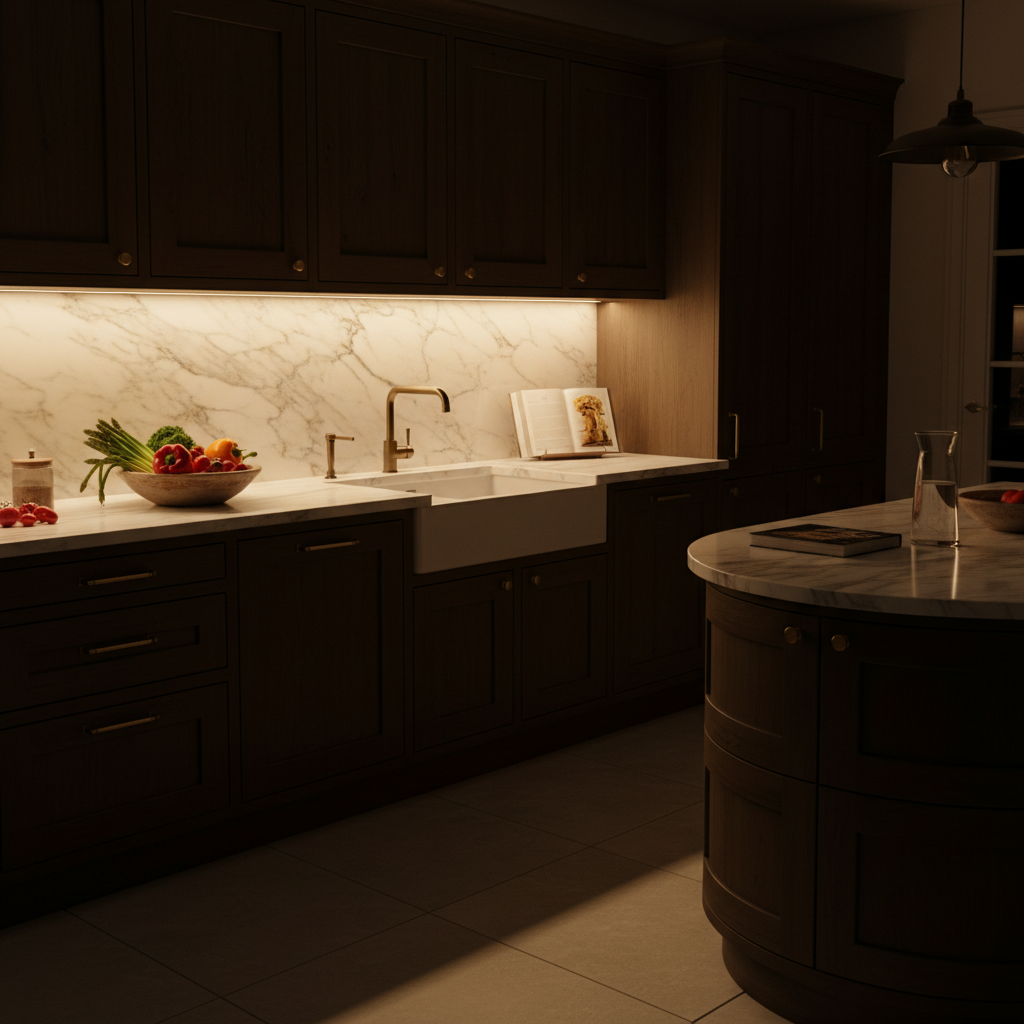
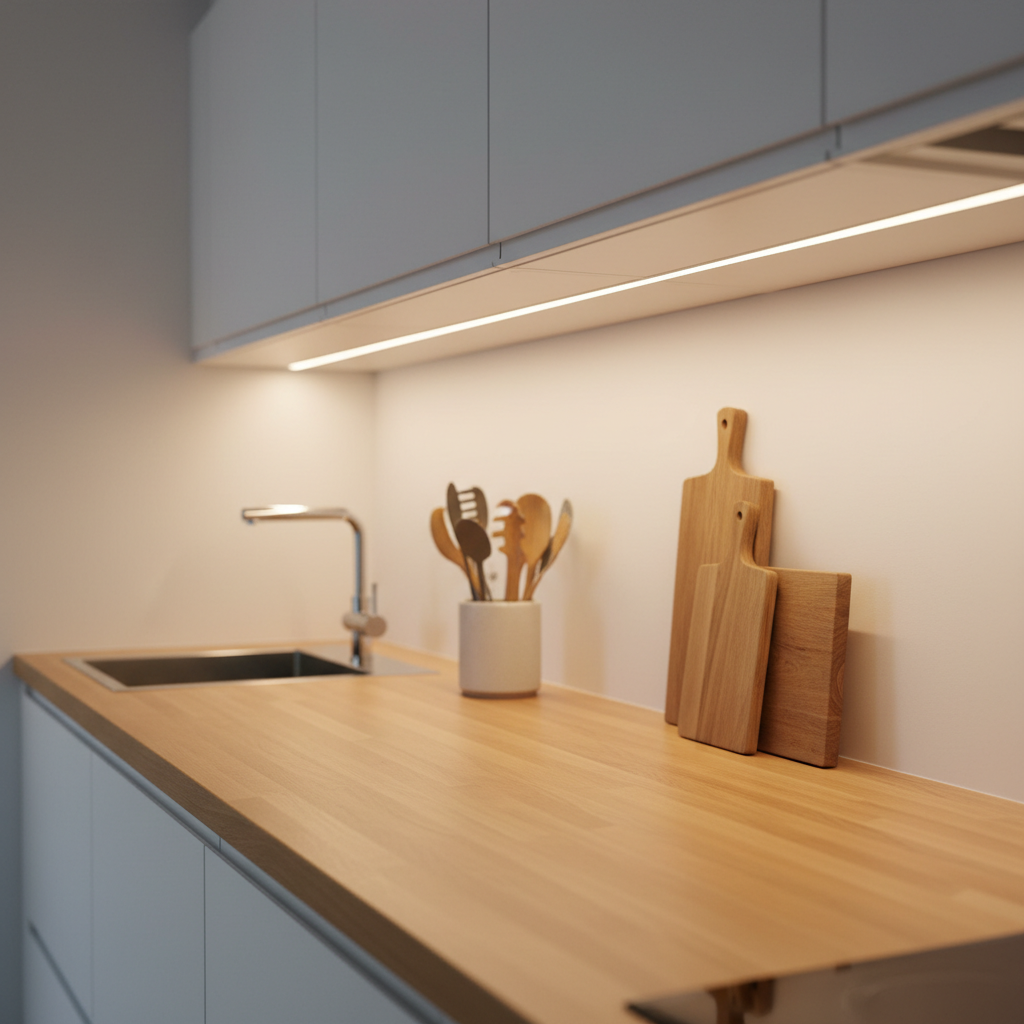
- Under kitchen cabinets: Countertops are often poorly lit by overhead ceiling lights. A light mounted under upper cabinets directly illuminates your cutting surface—without glare or shadows.
- In closets and wardrobes: The inside of a closed closet is dark by definition. A motion sensor light turns on as soon as you open the door and turns off automatically when you close it.
- In hallways and staircases at night: To avoid fumbling for a switch or waking someone by turning on a bright light. Motion detection handles everything automatically.
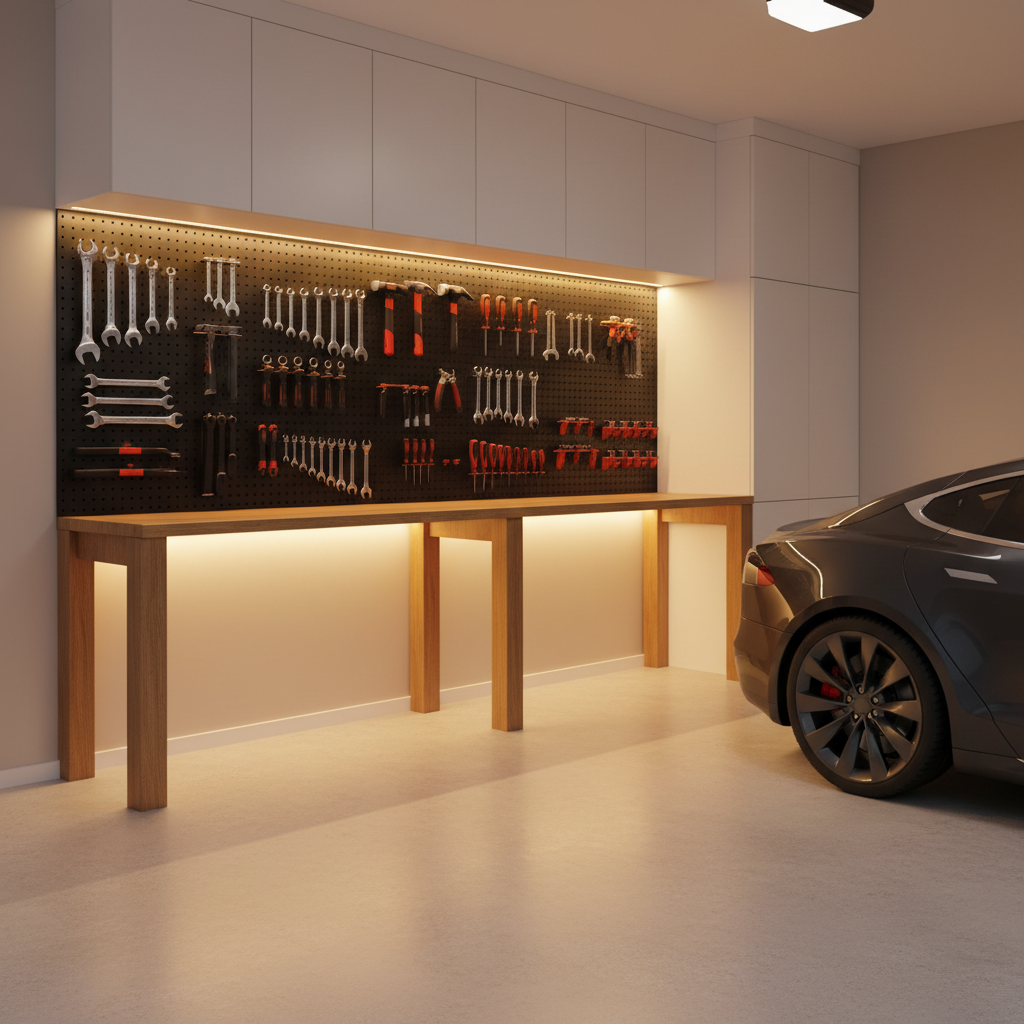
- In a garage or basement without an outlet: Ideal for accent lighting without electrical installation. Our guide on lighting without an electrical outlet covers all scenarios.
- Under a bed or in a headboard: For a discreet nightlight or reading without disturbing others.
How to mount a rechargeable light without damaging surfaces?
The best wireless rechargeable lights use a combination of two systems: an industrial adhesive backing applied once to the surface (wall, furniture, shelf), and a magnetic attachment that allows you to easily remove and reattach the light for charging. You don't need to peel off and re-stick the mount every time you charge—you just remove the light from the mount, plug in your cable, and put it back.
This is particularly appealing for renters: a properly applied adhesive generally leaves no residue on a clean, dry surface, unlike drilling. And if you want to change its location, you can cleanly remove the mount.
What Color Temperature to Choose for Your USB Light?
This choice entirely depends on where you install your light and what you expect from it. Rechargeable LED lights generally offer three options:
| Temperature | Visual Effect | Ideal For |
|---|---|---|
| Warm White (~3000K) | Golden yellow, cozy ambiance | Bedroom, nighttime hallway, closet |
| Neutral White (~4000K) | Balanced, natural white | Kitchen, office, versatile |
| Cool White (~6000K) | Bluish white, vibrant | Garage, workshop, basement |
For the kitchen and countertop, neutral white at 4000K is often the best compromise: bright enough to see what you're cutting, without the harshness of a neon-like cool white. For a hallway nightlight, warm white at 3000K is more comfortable at night and less disruptive to sleep.
Can you adjust the brightness on a rechargeable light?
Entry-level models usually have only one brightness level. More advanced models allow you to adjust brightness according to the context—a low level for a nightlight, a high level for illuminating a work area. This is a feature to check if you plan varied uses for the same light.
What to Really Compare Before Buying
There are many rechargeable USB lights on the market, and product descriptions don't always provide useful information. Here are the criteria that truly matter, in order:
Technical Criteria That Make a Difference
- Battery capacity (mAh): This is the number one criterion. As explained above, 1000 mAh and 3000 mAh are not in the same league. Look for at least 2000 mAh for comfortable use.
- Connector type: USB-C or micro-USB. The former is largely preferable for daily convenience.
- Mounting system: Adhesive only (less convenient for recharging), adhesive + magnetic (ideal), or other. Magnetic allows you to detach and reattach effortlessly.
- Operating mode: Motion sensor only, continuous mode only, or both. Having both modes offers maximum flexibility.
- Length and lumens: For a closet, 9 inches (23 cm) is often enough. For a kitchen countertop, 16 inches (40 cm) and up provide more uniform lighting.
Should you avoid low-end USB lights?
Lights under $10 on general marketplaces often have the same flaws: tiny battery (500 to 800 mAh), adhesive that fails after a few weeks, imprecise motion sensor, and no recourse if it breaks down after 30 days. For daily use in a place you see every day, this quickly becomes frustrating.
This is where battery capacity and mounting quality truly make a difference. The Movement 3.0 by Lumic, for example, features a 3000 mAh battery—you charge it one evening, and you don't think about it for about a month in motion sensor mode. The magnetic + industrial adhesive mount allows you to detach it for charging in 2 seconds, then put it back in place. This isn't a marketing promise: it's simply what 3000 mAh makes concretely possible. If you want to compare available formats on the market, our guide on rechargeable LED light bars will help you see more clearly.
To explore other options based on your budget and needs, also check out our selection of the best portable rechargeable LED lights.
Maintenance and Lifespan: What They Don't Tell You
A rechargeable LED light is designed to last—provided you take a few simple precautions:
- Don't leave the battery at 0% for too long: Like any lithium-battery device, repeatedly letting the battery drain completely accelerates its degradation. Recharge before it's empty.
- Clean the motion sensor occasionally: A layer of dust on the sensor can reduce its accuracy. A quick wipe with a dry cloth is enough.
- Check the adhesive once a year: In humid environments (kitchen, bathroom), the adhesive can gradually peel off. It's better to check before the light falls.
Regarding the longevity of batteries and LEDs, everything depends on the initial manufacturing quality. A quality LED can last several years without significant loss of brightness. The battery, however, loses some capacity after several hundred charge cycles—this is inevitable with any lithium battery. For everything concerning your light's battery and what truly makes a difference, a dedicated article can provide more precise answers.
In Summary: Key Takeaways
A rechargeable USB light is a simple, effective, and flexible solution for illuminating all areas that traditional electricity doesn't reach. No renovations, no cables, no batteries to repurchase.
If you take one thing away from this article, it's this: battery capacity changes everything. 1000 mAh means you're managing a task. 3000 mAh means you forget you even have a light to recharge. And choosing USB-C over micro-USB means one less cable to search for in your drawers.
For specific uses like illuminating an area without an outlet, you can also look into rechargeable LED spotlights or rechargeable LED light bars, depending on the format that best suits your setup.