Ever bought a cheap rechargeable LED light bar, only to find yourself recharging it two weeks later? Then again two weeks after that? And you start wondering if this is truly the promise of wireless lighting.
Short answer: no. Most rechargeable LED light bars sold at big box stores or online marketplaces use 800 to 1500 mAh batteries. That's not much. It's enough to look good on a product spec sheet, but not to last in real life.
This guide gives you the real keys to choosing a rechargeable light bar that delivers on its promises: true battery life, durable mounting, and useful settings. No unnecessary jargon.
What Battery Capacity (mAh) Really Means
Battery capacity, expressed in milliampere-hours (mAh), is the most important and often overlooked criterion in product descriptions. Yet, it's what determines how often you'll need to recharge your LED light bar throughout the year.
What Does mAh Actually Mean?
mAh measures the amount of energy stored in the battery. The higher the number, the longer your rechargeable LED light bar will last between charges. Here are honest benchmarks based on standard use (motion sensor mode, a few activations per day):
| Battery Capacity | Estimated Battery Life (Motion Sensor Mode) | User Profile |
|---|---|---|
| 800 mAh | 1 to 2 weeks | Light use, rarely opened closet |
| 1500 mAh | 2 to 3 weeks | Moderate daily use |
| 3000 mAh | 4 to 6 weeks | Frequent use, kitchen or hallway |
Why Do Cheap LED Light Bars Often Disappoint?
Most battery-powered LED light bars under $15 use 800 mAh cells. On paper, it works. In practice, you'll recharge your light bar more often than your phone. This quickly becomes annoying, then discouraging. After a few months, the cable stays plugged in permanently — the wireless bar becomes wired by default.
The battery life of an LED light bar also depends on the usage mode. In continuous mode, the numbers drop significantly. A 1500 mAh model in motion sensor mode will last 3 weeks. In constant continuous mode, you might get only 5 to 8 hours, depending on light output.
Continuous Mode vs. Motion Sensor Mode: Which to Choose?
Motion sensor mode is recommended for 90% of home uses. The light bar turns on when you pass by, and turns off automatically after a few seconds of inactivity. Result: the battery lasts much longer, and you don't have to think about it. Continuous mode is useful for specific tasks — cooking, DIY projects, or when you want stable ambient light. For daily use, it's not the default setting to adopt.
Mounting: The Detail That Makes All the Difference
A rechargeable strip light that falls off after three months is a frustrating experience. Yet, mounting is often the neglected aspect in product descriptions. Here's what you really need to know.
Magnetic, Adhesive, or Clip-On Mounting: What's the Difference?
There are three main types of mounting for rechargeable light bars:
- Magnetic: You attach an adhesive support to the surface once, and the bar magnetically clips onto it. Major advantage: you can remove and reposition it without damaging anything. You unclip it to charge, then put it back in place in a second. This is the most practical mounting for rechargeable use.
- Direct Adhesive: The bar sticks directly to the surface. Simple initially, but removal often damages the surface, and repositioning after recharging quickly becomes a chore.
- Clips or Screws: The most mechanically solid, but it involves drilling — which negates one of the main advantages of a rechargeable LED light bar (no installation work).
For rechargeable LED light bars, magnetic mounting is clearly superior. It's the only one that makes recharging seamless in your daily routine.
Does Adhesive Really Hold Under a Kitchen Cabinet?
The strength of an adhesive depends on two factors: the quality of the adhesive (a quality industrial adhesive won't budge) and the mounting surface. A porous, painted, or dusty surface reduces adhesion. Before mounting, clean the surface with alcohol, let it dry, and press firmly for 30 seconds. The best adhesives can hold pounds — well beyond the weight of a 200 to 400 gram (7 to 14 oz) light bar.
Note: Under a kitchen cabinet, heat and steam can weaken poor-quality adhesives over the long term. This is another reason to prefer magnetic mounting with a separate support: if the support's adhesive fails, you replace it without touching the bar itself.
Color Temperature and Brightness: What Really Matters
Light intensity and hue affect your visual comfort as much as the amount of light. It's not just a matter of style.
Warm, Neutral, or Cool White: What to Choose for Which Area?
Quality rechargeable LED light bars typically offer three color temperatures. Here's a simple guide:
- 3000K (Warm White): Golden, soothing light. Ideal for a hallway, bedroom, or closet. Creates a cozy ambiance, less suitable for precise tasks.
- 4000K (Neutral White): The versatile choice. Neither too warm nor too cool. Suitable for the kitchen, a countertop, or an office.
- 6000K (Cool White): Bright light, close to daylight. Useful for a workshop, garage, or anywhere you need precise visibility.
The ability to adjust brightness is a significant plus: you don't need the same light level at 7 AM and 11 PM. A simple button or touch sensor makes all the difference between comfort and visual fatigue.
How Many Lumens Are Needed to Light a Countertop?
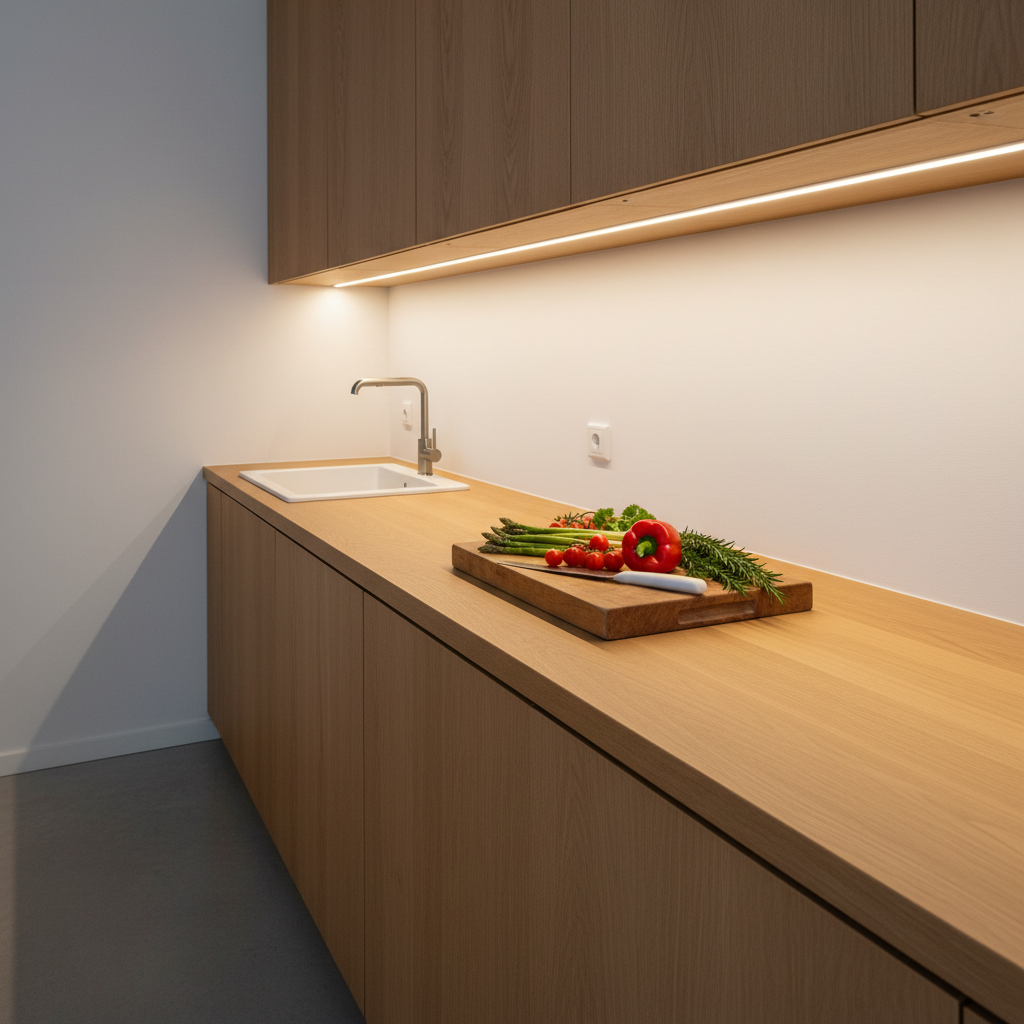
For a kitchen countertop, the common recommendation is to aim for at least 300 lumens for a functional work area. Below that, you'll squint. A 9-inch (23 cm) bar providing about 150 lumens will suit a small space or as accent lighting. For a 30 to 40-inch (80 cm to 1 meter) countertop, a 16-inch (40 cm) model at about 320 lumens is much more appropriate. And if your kitchen is long, two bars side-by-side work very well.
The Motion Sensor: Gadget or Real Utility?
On a rechargeable LED light bar, the motion sensor (or PIR sensor) is far from a gadget. It's the element that extends battery life from a few days to several weeks.
How Does a PIR Sensor Work on a Rechargeable Strip Light?
The PIR (Passive Infrared) sensor detects heat variations associated with human movement. When you pass in front of the bar, it turns on. When you move away, it turns off after a delay (usually 10 to 30 seconds, depending on the model). This automatic operation is key to energy saving: the bar only consumes power when needed.
The best models combine the motion sensor with an ambient light sensor. Result: the bar doesn't turn on in broad daylight if natural light is sufficient. This feature is often absent from low-end bars and significantly impacts battery life.
What Is the Detection Range of a Rechargeable LED Light Bar Sensor?
Sensors integrated into indoor LED bars typically cover a 90 to 120-degree angle and a range of 3 to 10 feet (1 to 3 meters). This is sufficient for a closet, a narrow hallway, or a countertop. For large rooms or wide entrances, check the specs before buying. A poorly oriented sensor or one with insufficient range will detect movement late — giving the impression of a finicky bar when it's simply a placement issue.
Criteria That Distinguish a Good from a Bad Rechargeable LED Light Bar
Here's a summary of criteria to check before buying, from most to least important:
| Criterion | What to Aim For | Warning Sign |
|---|---|---|
| Battery Capacity | 2000 mAh minimum, 3000 mAh ideal | mAh not specified in product description |
| Mounting Type | Magnetic with separate support | Direct adhesive without alternative |
| Motion Sensor | PIR + ambient light sensor | Motion only, no light sensor |
| Color Temperature | 3 settings (3000K, 4000K, 6000K) | Single, non-adjustable temperature |
| Brightness | Adjustable | Fixed, no adjustment possible |
| Housing Material | Aluminum (better heat dissipation) | Lightweight plastic, cheap finish |
| Warranty | 2 years minimum, 5 years ideal | Less than 1 year or vague warranty |
To learn more about the lifespan of a rechargeable LED light, including how battery ages with use, we've written a complete article on the subject.
Where to Install a Rechargeable LED Light Bar in Your Home?
One of the great advantages of a rechargeable light bar is its total flexibility. No cables, no renovation work, no electrician needed. Here are the places where it truly makes a difference:
Under Kitchen Cabinets
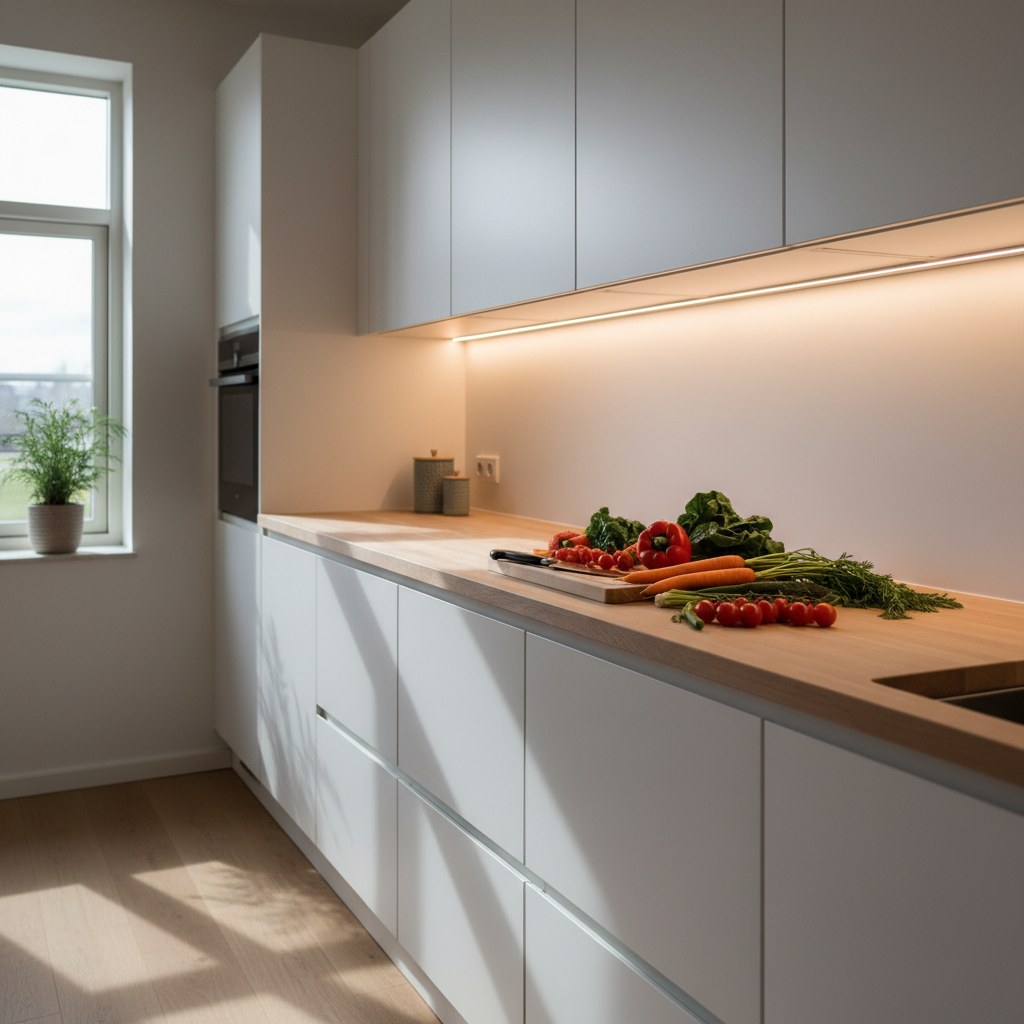
This is the most classic and probably most useful application. Ceiling lights illuminate your head, not your countertop. An LED light bar under the upper cabinet corrects this in seconds. For a standard kitchen, two 16-inch (40 cm) bars are enough to cover most of the countertop. Magnetic mounting is particularly practical here: you unclip the bar to charge, then put it back in place, without touching the support glued under the cabinet.
In Closets and Wardrobes
A dark closet is a constant gamble. The rechargeable LED light bar with a motion sensor turns on as soon as you open the door (if properly oriented), and turns off automatically. Result: you see what you're looking for, and you don't have to manually turn anything on. Ideal for bedroom closets, hallway closets, and under-stair storage spaces.
In Hallways and Stairwells at Night
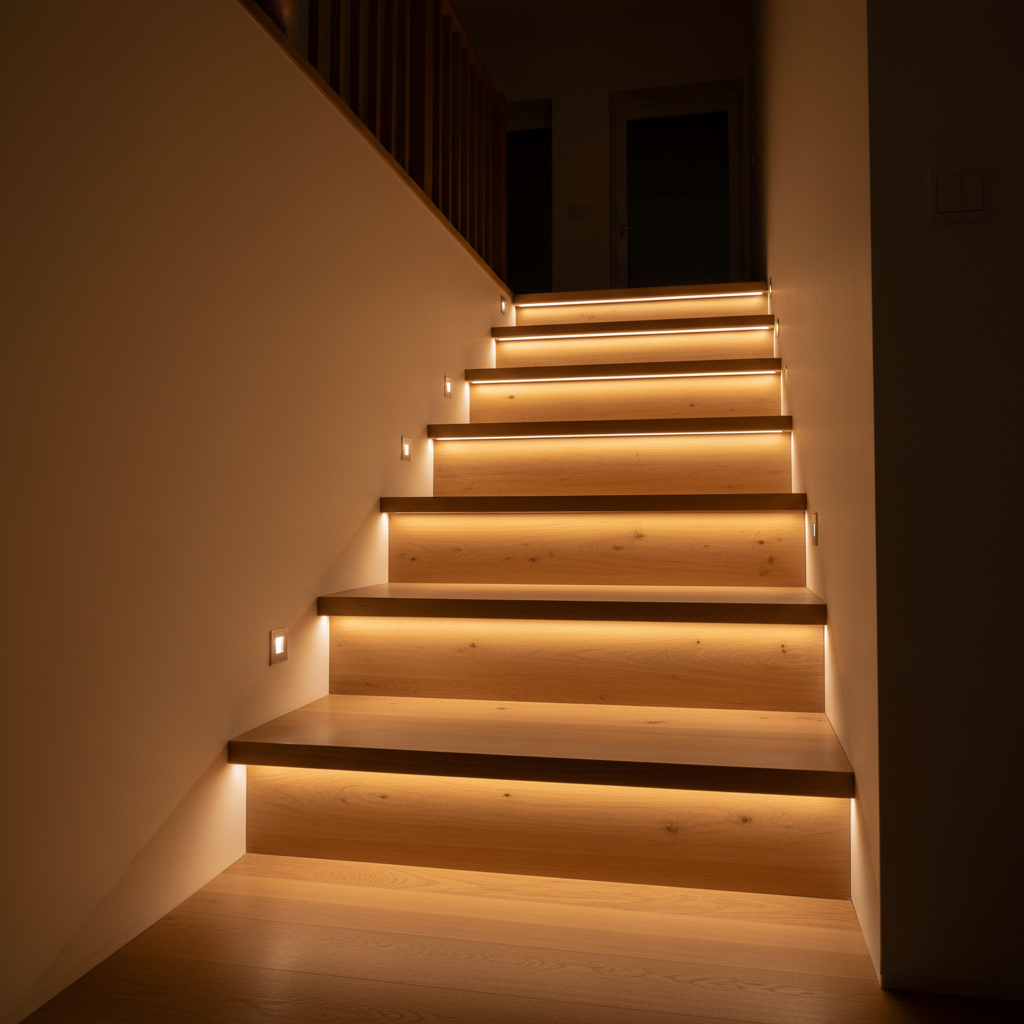
Navigating a hallway at night means fumbling in the dark or turning on harsh lights. A rechargeable LED light bar with a sensor solves both problems: soft, automatic light, only when you need it. In warm white (3000K) and at low brightness, it's comfortable and discreet.
Wireless LED strip lights are designed precisely for these uses: anywhere a cable would be complicated to install, they provide light without constraints.
What You Need to Remember to Choose the Right Rechargeable LED Light Bar
A rechargeable LED light bar that truly works isn't about brand or design. It's about honest technical specs. Here are the four non-negotiable criteria:
- 3000 mAh Battery: For a month of battery life in motion sensor mode. Below 1500 mAh, you'll recharge too often.
- Magnetic Mounting: To easily attach and detach the bar without damaging anything.
- 3 Adjustable Color Temperatures: To adapt the light to each room and time of day.
- Motion Sensor + Ambient Light Sensor: So the bar only turns on when necessary.
The Movement 3.0 by Lumic checks all these boxes. 3000 mAh battery (about 3 times larger than entry-level bars), magnetic mounting, three adjustable temperatures, adjustable brightness, aluminum housing. Available in 9 inches (~150 lumens) or 16 inches (~320 lumens) depending on the area to be lit. 5-year warranty, 90-day money-back guarantee. It costs less than an hour of an electrician's time and installs in under 30 seconds.
If you're still hesitating between a rechargeable and a wired model, our comparison distinguishing a wireless from a wired LED strip light will help you decide based on your setup.
And if you want to understand in detail how the battery of a rechargeable strip light ages over time, our guide on the longevity of LED strip lights covers the topic transparently.