You want to add light somewhere — under a cabinet, in a closet, along your pathway — but you don't want to do any major work. No drilling, no calling an electrician. Wireless lighting is the answer. But you still need to choose the right technology.
Because behind the term "wireless," there are actually three very different categories: USB rechargeable lamps, battery-powered lamps, and solar-powered lamps. Each has its strengths, limitations, and most importantly, its specific use cases. This guide gives you the keys to make the right choice.
Top 3 Wireless Lighting Technologies in 2026
Before any comparison, it's essential to understand what distinguishes these three families. They are not just "options" — they are radically different approaches in terms of battery life, long-term cost, and suitable applications.
USB Rechargeable LED Lighting: The Most Versatile for Indoors
A USB rechargeable lamp works with a built-in battery that you charge via a cable, just like your phone. You install it, forget about it for several weeks, and when the battery runs low, you plug it in for a few hours. No batteries to buy, no electrical wiring needed.
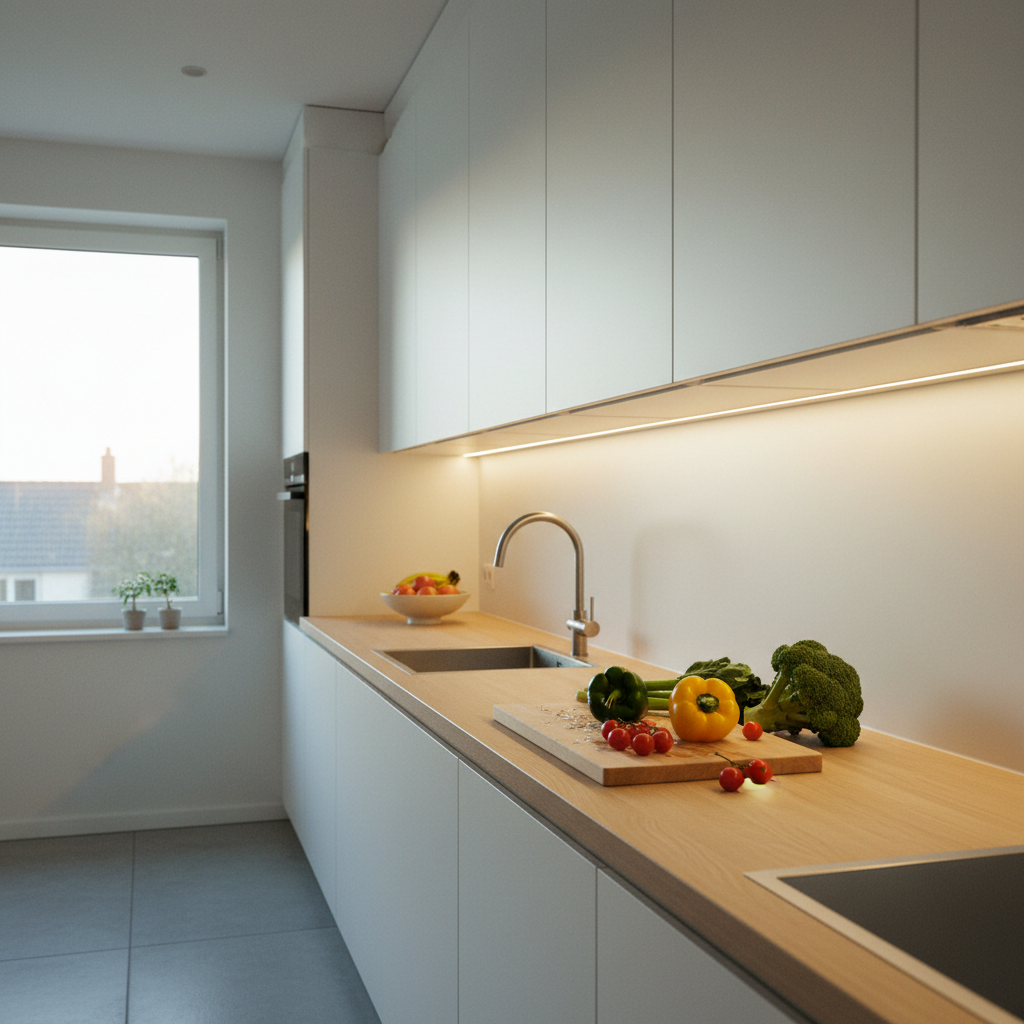
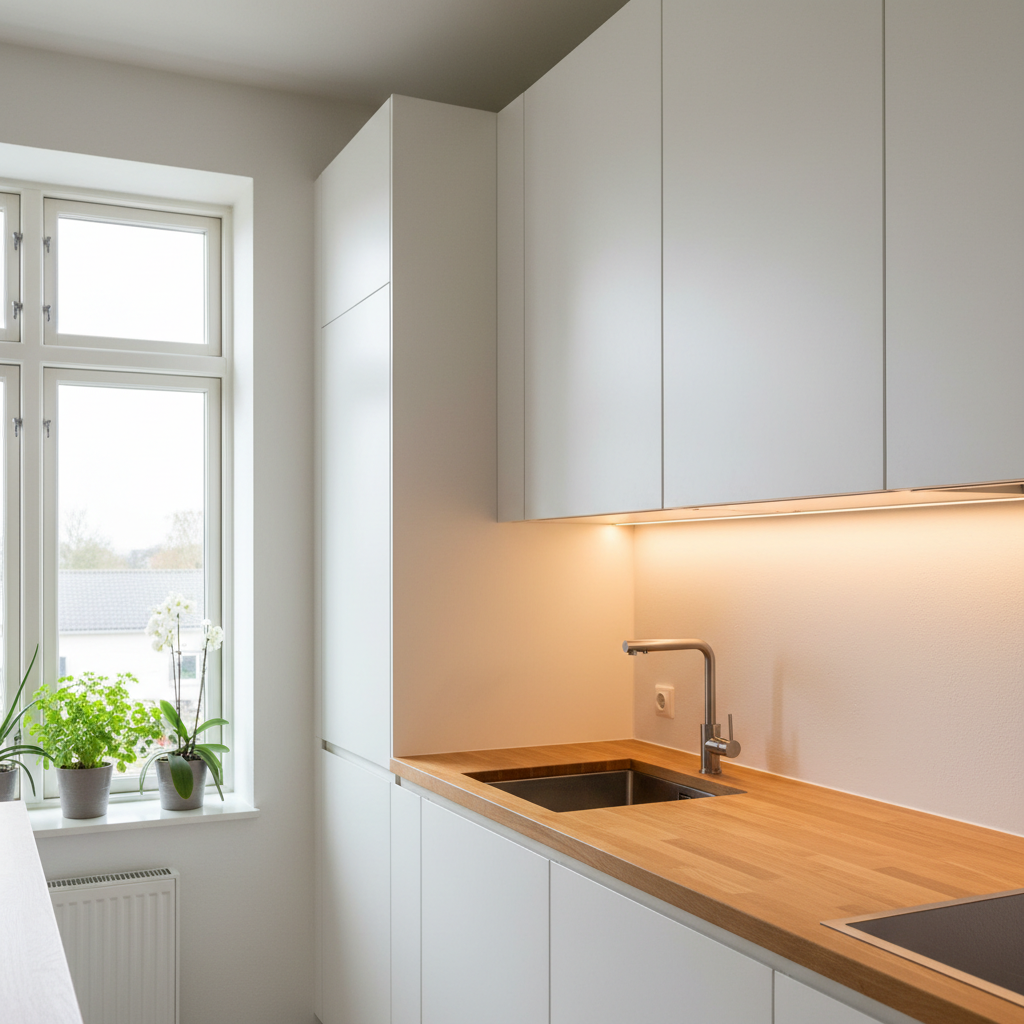
This is the go-to solution for all indoor uses: under kitchen cabinets, in closets, hallways at night, stairwells, and walk-in closets. It's also suitable for renters since there's nothing to permanently fix.
Battery life varies depending on the model and usage mode. In motion sensor mode, it generally lasts 4 to 6 weeks without recharging. In continuous mode, battery life is naturally much shorter — a few hours. The idea is to primarily use it with the sensor activated. To delve deeper into this topic, check out our article on LED light bar battery life.
Battery-Powered Lighting: Useful for Emergencies, Costly Long-Term
Battery-powered lamps are often the first thing people think of when looking for wireless solutions. They have the advantage of being immediately available everywhere, easy to find, and sometimes offer very long battery life on paper (1 to 3 months depending on usage frequency).
But the real problem is the recurring cost. A set of AA batteries costs between $3 and $6, depending on the brand. If you change batteries every 2 months, you'll spend between $15 and $30 per year, per lamp. Over 5 years, that easily amounts to $75 to $150 in consumables — not to mention the waste from used batteries.
Battery-powered lighting remains relevant for two cases: occasional emergency use (a backup lamp in a utility room) or very infrequent areas where the lamp is used a few times a year. For daily use, it's the least economical solution in the medium term.
Solar Lighting: The Zero-Cost Option for Outdoors
A solar lamp captures solar energy during the day and stores it in a battery to power the light at night. No cables, no manual recharging, zero operating cost after purchase.
It's designed for outdoor use: pathways, entrances, patios, garages, gates. The integrated motion sensor on most models ensures the lamp only turns on when someone passes by, optimizing battery life and ensuring sufficient power even on cloudy days.
The main limitation of solar lighting is its dependence on sun exposure. A quality model has a large enough battery to last several days without direct sunlight. For entry-level lamps, a few cloudy days are enough to render them inoperable. If you're looking for reliable solar lighting with a motion sensor in all seasons, the choice of battery and panel makes all the difference.
Comparison Table: Rechargeable, Battery, or Solar?
Here's an objective summary to quickly see which technology suits which need:
| Criteria | USB Rechargeable | Battery | Solar |
|---|---|---|---|
| Battery Life (motion sensor) | 4 to 6 weeks | 1 to 3 months | Unlimited (with sun) |
| Annual Operating Cost | $0 (USB recharge) | $15 to $30 (batteries) | $0 (solar) |
| Cost over 5 years (operating) | $0 | $75 to $150 | $0 |
| Indoor Use | Ideal | Possible | Not suitable |
| Outdoor Use | Limited | Possible (good weather) | Ideal |
| Installation | Magnetic / adhesive | Screws or adhesive | Screws or stake |
| Maintenance | USB recharge (1x/month) | Battery change (1x/2 months) | Minimal |
| Renter-Friendly | Yes (no-drill) | Yes | Yes (outdoor) |
The Simple Rule to Avoid Mistakes
Remember these three rules based on your situation:
- Indoors = USB rechargeable. This is the most practical, cheapest long-term, and best solution for areas like a kitchen, closet, or hallway.
- Permanent outdoors = solar. No manual recharging, no cables to run, and self-renewing battery life as soon as the sun returns.
- Occasional emergency = battery. If you need a rarely used backup light, or don't have access to an outlet and insufficient sunlight, batteries are a last resort.
These three rules cover 95% of situations. The only exception: if you plan to use wireless lighting as the primary, permanent light source in a main room (living room, bedroom), none of these technologies replace properly sized wired lighting. They are supplementary solutions, not replacements.
The Real Cost: The Calculation Nobody Does Before Buying
The initial comparison between a battery-powered lamp and a rechargeable lamp might seem to favor batteries, often cheaper upfront. But over time, the balance quickly shifts.
What Do Batteries Really Cost Over 5 Years?
Let's take a concrete example: a battery-powered lamp installed under a kitchen cabinet, used daily. It consumes a set of batteries every 6 to 8 weeks, depending on usage intensity. At $4 to $5 per pack, you spend between $25 and $40 per year. Over 5 years, that's $125 to $200 for a single lamp — in consumables only, not including the lamp itself.
What if you have two or three in your home? The math is painful. To learn more about this, our article on rechargeable LED lighting lifespan details why a built-in battery is often the best long-term investment.
Rechargeable: Zero Cost After Purchase
A USB rechargeable lamp costs you nothing more after the initial purchase. You plug it into a USB charger — the same one as your phone — for a few hours a month. The energy consumed during charging is negligible on an electricity bill. Over 5 years, the cost difference compared to batteries can be hundreds of dollars if you have multiple lamps.
The same logic applies to solar for outdoor use: you pay for the lamp once, and the sun does the rest for free.
Best Indoor Rechargeable Lighting: What Makes a Good Model?
Not all rechargeable lamps are created equal. The main difference between an entry-level model and a well-designed one lies in the battery, the quality of the motion sensor, and the mounting system.
What Really Makes a Difference in a Rechargeable Light Bar?
Battery capacity is the number one criterion. A battery that's too small forces you to recharge every week, which negates some of the convenience of wireless. A good rechargeable LED light bar lasts 4 to 6 weeks without intervention, even with moderate daily use.
The ambient light sensor is as important as the motion sensor. Without it, the lamp might turn on in broad daylight whenever you pass by — a wasteful use of energy. With both sensors combined, the lamp only turns on when it's dark and there's movement.
Finally, installation should be simple and reversible, especially if you're a renter. A magnetic system allows you to remove and reposition the lamp without leaving a trace.
Lumic's Movement 3.0 meets these criteria: a 3000 mAh battery (about 3 times larger than low-end models on the market), two combined sensors (motion + ambient light), magnetic mounting with adhesive backing, and three color temperatures to choose from (3000K, 4000K, or 6000K). Available in 9 inches (~150 lumens) or 16 inches (~320 lumens) depending on the area to be lit. In motion sensor mode, battery life reaches about 4 weeks for the 9-inch and 5 to 6 weeks for the 16-inch. In continuous mode: 5 hours for the 9-inch, 8 hours for the 16-inch. If you're looking for the best portable rechargeable LED lamps to compare market options, this is a good starting point.
Outdoor Solar Lighting: What Distinguishes Good from Bad
There are many entry-level solar lamps. Many turn off after two or three cloudy days, or produce only a barely visible trickle of light. Understanding why helps you choose a model that truly delivers on its promises.
Why Do Some Solar Lamps Turn Off as Soon as It Gets Cloudy?
Two factors explain the failure of cheap solar lamps during cloudy periods: a solar panel that's too small to sufficiently recharge the battery even in overcast weather, and a battery that's too weak to store several days of energy.
A generously sized solar panel continues to charge even under a cloudy sky — less efficiently than in full sun, but enough to compensate for consumption in motion sensor mode. Combined with a large-capacity battery, the system can last several weeks without direct sunlight.
What Battery Life to Expect from a Solar Lamp in Winter?
In winter, with short and often overcast days, the performance of solar lamps drops. A well-designed model compensates with a large energy reserve. In motion sensor mode, usage is intermittent — the lamp turns on for a few seconds per pass — which significantly reduces consumption.
For powerful wireless outdoor lighting that works year-round, look for models with a large-capacity battery and an oversized solar panel compared to standard models.
Lumic's SolarGlow is designed for this case: 1200 lumens, two 180° motion sensors with a range of about 26 feet (8 meters), IP65 resistance (rain, snow, frost), and an advertised battery life of 20 days without solar recharge in motion sensor mode. This kind of margin makes all the difference in winter. To learn more about the specifics of this type of installation, consult the guide on solar lighting with a motion sensor.
Where to Install Each Technology? Concrete Use Cases
Here are the most frequent situations and the recommended technology for each:
Kitchen, Closet, Walk-in Closet: Rechargeable is Key
Under a countertop, in a tall cabinet, in a walk-in closet — these are indoor spaces without natural sunlight, where you pass through regularly but not continuously. The motion sensor of a rechargeable light bar is perfectly suited: automatic light as soon as you open the cabinet, turns off after a few seconds.
The magnetic system allows you to reposition the lamp as needed, and remove it for recharging without disassembling anything. For a wireless lighting solution for a walk-in closet or for wireless kitchen lighting, this is the most practical option for daily use.
Pathway, Patio, Gate: Solar Takes Over
Outdoors, solar lighting is unbeatable as long as there's sufficient sun exposure. No cables to bury, no outlets to install, no extra bill. To secure a pathway or entrance, two or three well-placed solar spotlights do the job with minimal maintenance.
Garage Without Outlet, Basement, Utility Room: Evaluate Case by Case
A garage without electrical access is an intermediate case. If windows provide natural light, solar can work in the exposed area. For dark areas, rechargeable is more reliable. To go further, our guide on how to light a garage without an electrical outlet specifically addresses this case.
Summary: How to Choose Your Wireless Lighting?
Three questions are enough to make the right decision:
- Is it indoor or outdoor? Indoor = rechargeable. Outdoor with sun = solar.
- Is it for daily or occasional use? Daily = rechargeable or solar (zero operating cost). Occasional = battery-powered is acceptable.
- Are you a renter? Prioritize adhesive or magnetic mounts — rechargeable or solar with a garden stake.
Wireless lighting is a mature and practical solution, provided you choose the right technology for the right use. USB rechargeable dominates indoors, solar is essential outdoors, and batteries are only useful for emergencies. The 5-year cost calculation speaks for itself: $75 to $150 for batteries versus zero dollars after purchasing a rechargeable. Make the right choice from the start.