What a Motion Sensor Really Does for Lighting
A motion sensor light doesn't actually detect motion. It detects heat. Specifically, it senses the temperature difference between your body (around 98.6°F / 37°C) and the ambient room air (around 68°F / 20°C). This thermal contrast triggers the light to turn on.
That's why these sensors are called PIR sensors, for Passive Infrared. They don't project anything; they don't emit any waves. They simply observe the natural infrared radiation within their field of view. When a moving heat source crosses this field, the light activates.
It seems simple, but this mechanism has concrete implications for the sensor's behavior—implications few people truly understand before installing automatic lighting in their homes.
PIR Technology Explained Without Jargon
How Does a PIR Sensor Detect Human Motion?
A PIR sensor consists of one or more infrared-sensitive elements, protected by a transparent plastic lens (often white or translucent). This lens—called a Fresnel lens—divides the field of view into several zones. When a heat source moves from one zone to another, the sensor registers a change and triggers the activation signal.
What's important to understand is that the sensor reacts to change, not just presence. If you stand still in front of it, it might eventually "lose" you and turn off the light. That's why you sometimes find yourself in the dark in an office or bathroom even when you're still there.
What is the Actual Range of an Indoor Motion Sensor?
Indoors, a PIR sensor's range typically varies between 10 and 26 feet (3 and 8 meters), depending on the sensor's quality and settings. For common household use (closet, hallway, kitchen), a range of 10 to 16 feet (3 to 5 meters) is ample. Beyond that, you risk false triggers from adjacent rooms if doors are open.
The detection angle matters as much as the range. A wide-angle sensor (90° to 120°) covers an entire room well but can cause false triggers. A narrow-angle sensor (30° to 45°) is more precise but less practical for large spaces like a kitchen or living room.
Why Does the Detector Sometimes Turn On for No Reason?
This is the most common question we receive. False triggers almost always come from moving heat sources you didn't consider. Here are the usual culprits:
- A radiator or space heater: If heat rises by convection into the sensor's field, it can interpret this as movement.
- A warm draft: An open window in summer, a nearby clothes dryer, an open oven.
- A pet: A cat, dog, or even a large bird generates enough heat to trigger a sensitive PIR.
- Direct sunlight: Rare, but direct sun exposure can temporarily disrupt some cheap sensors.
The simplest solution: adjust the sensor's sensitivity. Most motion sensor lights include a potentiometer or an app to adjust this setting. To understand how to precisely calibrate these settings, check out our article on optimal motion sensor sensitivity settings.
The Ambient Light Sensor: The Intelligence Often Overlooked
What Does an Ambient Light Sensor Do on Automatic Lighting?
A motion sensor alone is basic. Paired with an ambient light sensor (also called a photocell or brightness detector), it becomes truly smart. Its role is simple: check if it's already bright enough before turning on the light.
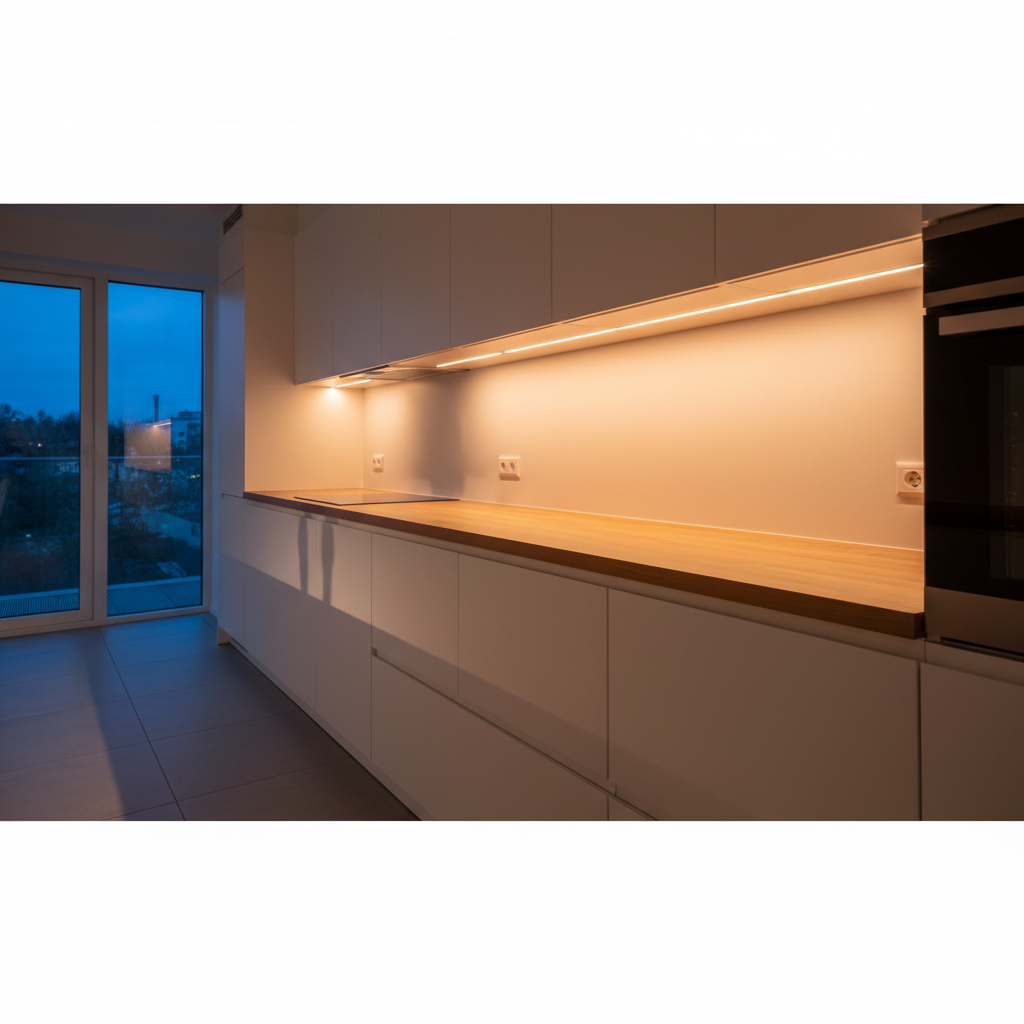
In practice, if you walk past your under cabinet lighting in the kitchen at noon, in bright sunlight, the light bar won't turn on. It detects your movement, but its second sensor measures ambient light and determines it's already bright. Result: it stays off.
This combo makes all the difference in battery life. A light bar that only turns on when necessary (motion + darkness) consumes a fraction of what a model controlled by the PIR sensor alone would. Battery life can double or more, depending on the light exposure of the space.
How is the Brightness Threshold Calibrated?
On most models, the trigger threshold is factory-set. The light bar turns on below a certain light level (expressed in lux) and stays off above it. Some models allow manual adjustment of this threshold, which can be useful in spaces with intermediate natural light—a hallway with a small window, for example.
In practice, in a closed closet, a walk-in closet, or under kitchen cabinets, it's almost always dark enough for the automatic motion sensor light to activate as soon as you approach, even during the day.
Where to Install Motion Sensor Lighting at Home?
Areas Where the Sensor Truly Adds Value
Lighting with a PIR sensor isn't useful everywhere. In a living room you occupy for hours, a light that turns off every 20 seconds because you're sitting still quickly becomes annoying. However, in transitional spaces or for occasional use, it's a real help.
Best indoor locations:
- Under kitchen cabinets: Light turns on as soon as you approach the countertop, no fumbling for a switch with full hands.
- In closets and walk-in closets: Open the door, it turns on. Close it, it turns off. No manual operation needed. If you're setting up this type of space, our guide on automatic closet lighting details all options.
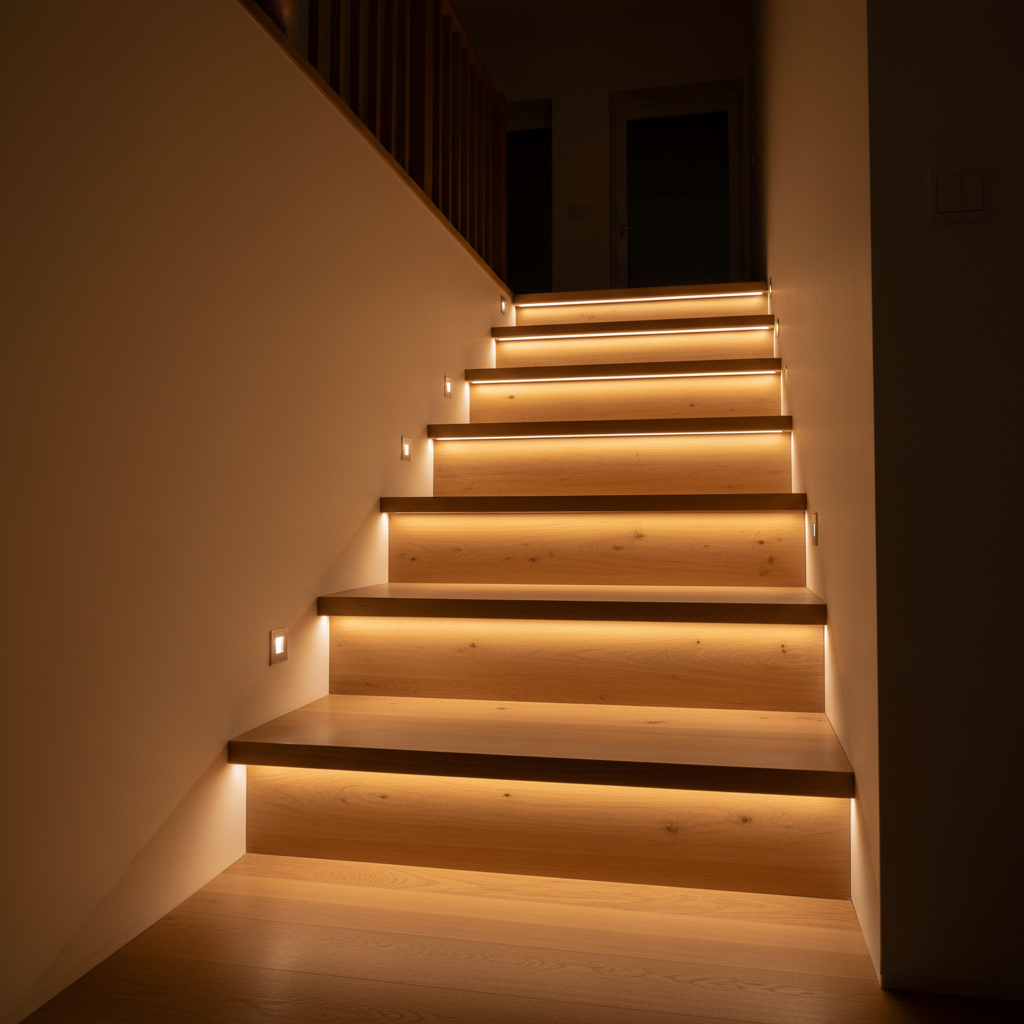
- In hallways and stairwells: Ideal at night, no need to grope for the switch. For successful installation in these spaces, consult our guide on automatic hallway lighting.
- In the garage: Both hands busy, the light manages itself. For this use, a garage LED light bar with a sensor is particularly suitable.
- In the entryway: Convenient when you come home loaded with groceries.
Does a Motion Sensor Work Well in a Small, Enclosed Space?
Yes, and that's where it excels. In a closet or walk-in closet, the sensor doesn't need a long range. 20 to 40 inches (50 cm to 1 meter) is enough to detect an opening door or an approaching hand. Body heat is clearly distinguishable from the interior air of the closet, making detection very reliable in this context.
The advantage over a traditional switch: you don't have to do anything. No switch to find in the dark, no light left on by mistake. Automation handles everything.
Motion Sensor Lighting: Wired or Wireless?
What are the Concrete Differences Between the Two Options?
Wired motion sensor lighting offers continuous power and doesn't require recharging. But it demands installation work: drilling, wiring, and sometimes an electrician's intervention. For a permanent installation in a hallway or stairwell, it's often the right choice.
Wireless models run on rechargeable batteries. No cables, no drilling, installation in under a minute on a clean surface. The trade-off is battery life: you need to remember to recharge occasionally. But with an ambient light sensor that prevents unnecessary activations, recharging can be weeks apart.
For renters or spaces where drilling is impossible, wireless is clearly the most practical solution. If you're choosing between models, our comparison of the best indoor motion sensor lights can help you decide.
What Battery Life to Expect from a Wireless LED Light Bar with Motion Sensor?
Battery life depends on three main factors: battery capacity, frequency of triggers, and the presence of an ambient light sensor.
In detection mode with an ambient light sensor, a properly sized LED light bar can last several weeks without recharging in moderately used spaces (a few activations per day). Without a brightness sensor, this battery life can drop by half if the room is exposed to natural light, as the PIR sensor alone doesn't distinguish between day and night.
What Lumic's Movement 3.0 Does Differently
The Movement 3.0 combines the two sensors we just discussed: a PIR for motion detection and an ambient light sensor to only turn on in darkness. This isn't a marketing gimmick; it's a technical decision that directly impacts battery life.
Its 3000 mAh battery is, according to customer reviews on Trustpilot (4.5/5 from over 2200 reviews), significantly more durable than comparable models. In detection mode, you can expect 4 to 6 weeks between recharges, depending on the chosen length (9 inches / 23 cm or 16 inches / 40 cm) and frequency of use. It recharges via USB, like your phone.
The magnetic attachment allows you to remove it in seconds for recharging, then put it back in place without losing alignment. No screws, no permanent adhesive, no electrician needed. The warranty covers 5 years, with a 90-day satisfaction guarantee if it doesn't suit your needs.
It's available in three color temperatures (warm white at 3000K, neutral white at 4000K, cool white at 6000K) with adjustable brightness, making it suitable for both a closet and a kitchen countertop.
Common Mistakes with Motion Sensor Lights
Positioning the Sensor Facing a Heat Source
A PIR sensor placed facing a radiator, oven, or a window exposed to afternoon sun will be constantly disturbed. It will trigger false activations or, conversely, become thermally saturated and fail to detect actual movement. Simple rule: orient the sensor so no fixed heat source is in its direct field of view.
Choosing an Inappropriate Color Temperature for the Space
Cool white (6000K) is often perceived as harsh in a hallway or walk-in closet. It's better suited for a garage or workspace. For living areas, warm white (3000K) or neutral white (4000K) is more comfortable, especially at night. This is a criterion often underestimated at the time of purchase, and then regretted.
Ignoring the Adjustable Turn-Off Time
The duration the light stays on after the last detected movement is often adjustable. If this duration is too short (5 seconds), the light will constantly flicker. Too long (5 minutes), it consumes power unnecessarily. For common use, between 20 seconds and 1 minute is usually the right balance.
Summary: Key Takeaways
A motion sensor light works by detecting infrared heat, not actual motion. It reacts to the thermal contrast between your body and the ambient air. False triggers almost always come from parasitic heat sources in the sensor's field.
The combination of PIR + ambient light sensor is what makes automatic lighting truly effective: the light only turns on when needed, preserving battery life on wireless models.
The best places for this type of lighting: under kitchen cabinets, closets, walk-in closets, hallways, garages, entryways. Anywhere you need light occasionally without free hands to operate a switch.