You've tried a basic LED light bar under your kitchen cabinet. It lights up well — but you forget to turn it off half the time, and after 6 months, the batteries are dead. That's exactly why LED light bars with motion sensors have become so popular in stores and online in recent years.
But here's the problem: not all are created equal. Between battery-powered models that last 3 weeks, fixtures that fail after a few months, and overly sensitive sensors that light up at the slightest draft — choosing can quickly become a headache. This comparison gives you the keys to choose wisely.
What a Motion Sensor LED Light Bar Really Does
An automatic LED light bar with a motion sensor is simple in theory: it turns on when you pass by, and turns off by itself. In practice, the differences between models are numerous and truly change the daily experience.
How Does the Motion Sensor on a Light Bar Work?
The vast majority of LED light bars with sensors use a passive infrared (PIR) sensor: it detects moving body heat. When you pass in front, the circuit activates. A second sensor — the ambient light sensor — prevents the light from turning on in broad daylight when it's not needed.
On entry-level models, these two sensors work independently and are sometimes poorly calibrated. On better-designed products, they work together: the LED only turns on if you pass by AND the room is dark enough. The result: preserved battery life and truly useful activation.
If you want to delve deeper into this topic, check out our article on optimal motion sensor settings — especially for adjusting sensitivity based on where you install your light bar.
What Uses Are Truly Suited for This Type of Lighting?
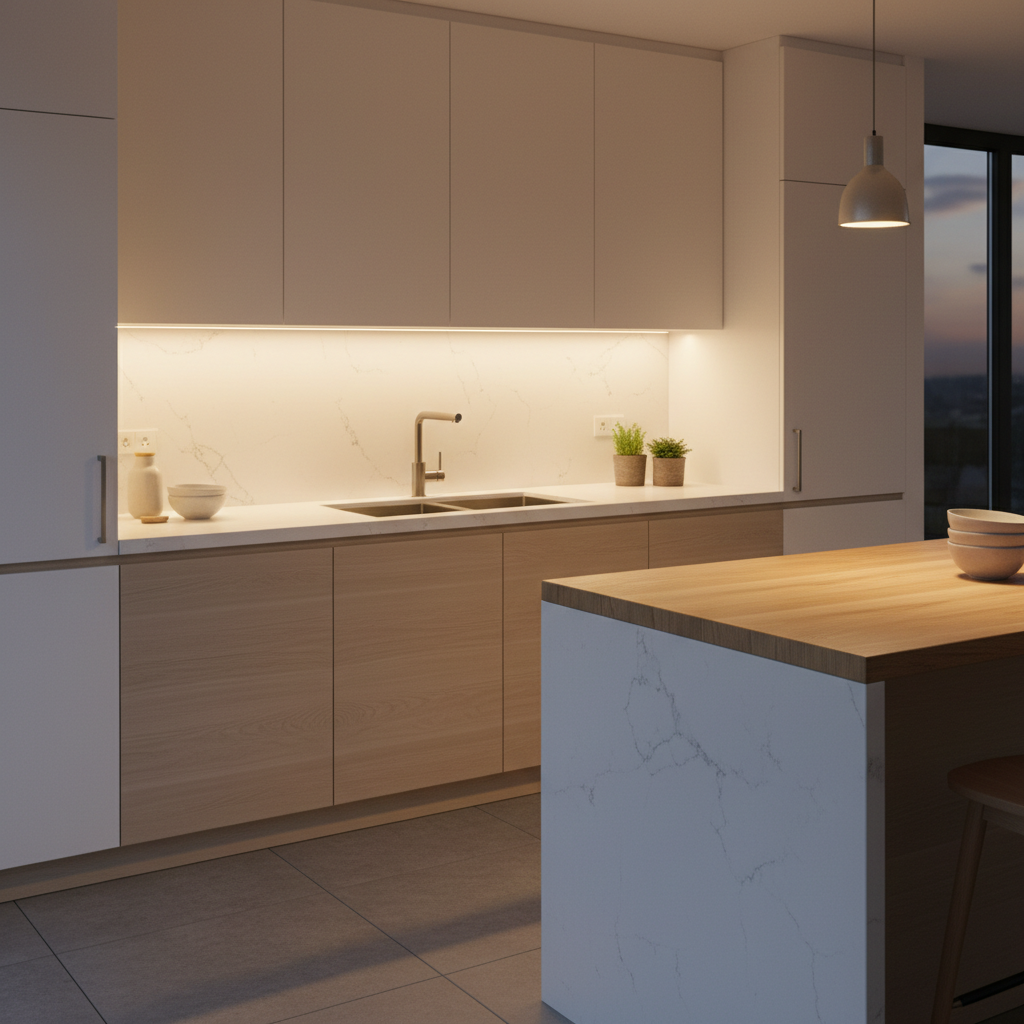
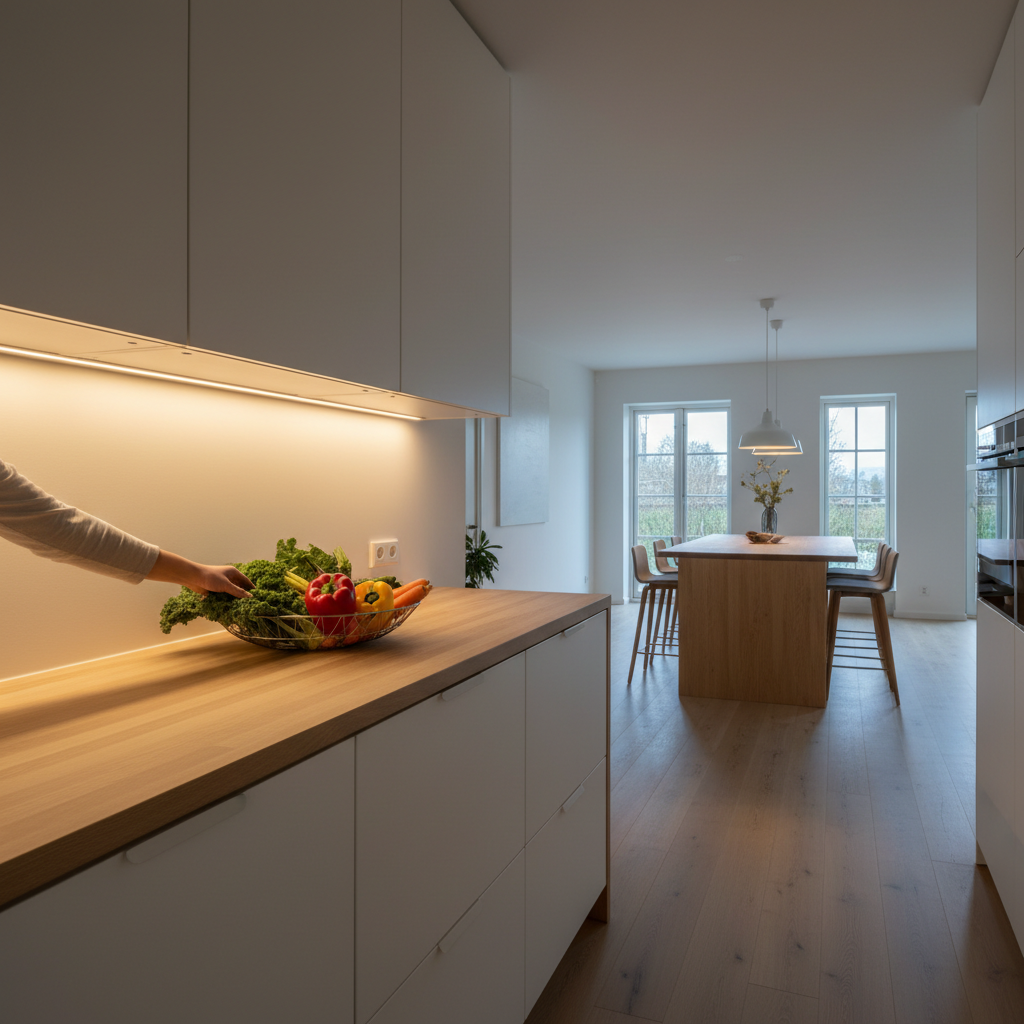
A sensor LED light bar is not designed to illuminate a main living area. It integrates perfectly into all transitional or storage spaces: under upper kitchen cabinets for the countertop, in a closet or wardrobe, at the bottom of a staircase at night, in a hallway or entryway. For these uses, automatic activation truly enhances daily comfort — you no longer have to search for a light switch in the dark.
The Criteria That Truly Make a Difference Between Models
Before diving into the comparison, here are the points to focus on. These are what separate a useful light bar from a frustrating one after a few weeks.
Batteries or USB Rechargeable: What It Really Changes
This is probably the most underestimated criterion. A battery-powered light bar seems convenient at first — but when the batteries die in the middle of winter, often faster than expected if the sensor is poorly calibrated, you find yourself looking for AAA batteries at 11 PM. A wireless USB rechargeable LED light bar solves this problem permanently: you plug in a USB cable (often the same as your phone) for a few hours, and you're good for several weeks.
The size of the integrated battery also changes everything about battery life. A model with a small 1000 mAh battery in detection mode might last 10 days in a high-traffic hallway. A model with 3000 mAh can last up to a month or more under the same conditions — or even 5 to 6 weeks for larger sizes.
Mounting: Adhesive, Magnetic, or Screwed?
Mounting determines both ease of installation and long-term durability. Three main systems exist:
- Direct screwing: Strong, but requires drilling. Not allowed for renters on certain surfaces, and often considered too restrictive for secondary lighting.
- Simple adhesive: Quick to install, but can fail with heat (especially under kitchen cabinets) or on dusty surfaces.
- Magnetic mounting + industrial adhesive backing: The best compromise. You stick the backing once, and you can easily attach/remove the light bar. Useful for recharging without disassembling the entire system. It's also the solution that best handles difficult surfaces, as only the backing bears the stress.
Brightness and Color Temperatures: What to Aim for Depending on the Space
Brightness is measured in lumens. For illuminating a kitchen countertop, generally 150 to 400 lumens are recommended depending on the length of the area to be lit. For a closet or a hallway at night, 100 to 150 lumens are more than enough.
Color temperature, on the other hand, changes the perceived ambiance:
- 3000K (warm white): Warm, perfect for entryways, hallways, closets, living areas.
- 4000K (neutral white): Versatile, a good compromise for kitchens and countertops.
- 6000K (cool white): More intense, suitable for garages, basements, workshops.
Having a choice between these three temperatures is a real advantage — you adapt according to the location without buying a different model.
Comparison of Main Options Available in 2026
Here is a summary table of the main categories of LED light bars with motion sensors you can find on the US/Canadian market, from entry-level models to premium products.
| Criterion | Entry-Level (Amazon/IKEA) | Mid-Range (Home Depot / Lowe's / Philips) | Premium (Lumic Movement 3.0) |
|---|---|---|---|
| Power Source | AAA batteries (non-rechargeable) | Batteries or USB depending on model | 3000 mAh battery, USB rechargeable |
| Battery Life (detection mode) | 1 to 3 weeks | 2 to 4 weeks | ~4 weeks (9 inches) / ~5-6 weeks (15.7 inches) |
| Mounting | Simple adhesive or screws | Reinforced adhesive or screws | Magnetic + industrial adhesive backing |
| Color Temperatures | Generally 1 option | 1 to 2 options depending on model | 3 (3000K, 4000K, 6000K) + adjustable brightness |
| Dual Sensor (motion + light) | Sometimes, poorly calibrated | Yes on recent models | Yes, well-calibrated |
| Continuous Mode Available | Rarely | On some models | Yes |
| Materials | Plastic | Plastic or aluminum | Aluminum |
| Warranty | 6 months to 1 year | 1 to 2 years | 5 years + 90-day money-back guarantee |
What Low-End Models Don't Tell You
Light bars priced at $10-$15 on Amazon or in big box stores have attractive product descriptions — but often flaws that only appear a few weeks after purchase.
Why Do Batteries Die So Quickly on Some Models?
A poorly calibrated PIR sensor consumes energy even in standby, and triggers for nuisance movements (drafts, pets, light variations). If your light bar turns on 50 times a day instead of 10, the actual battery life will be 5 times shorter than advertised. This is one of the most frequently mentioned flaws in customer reviews for these ranges.
Why Do Adhesives Fail with Heat?
Under a kitchen cabinet, temperatures can rise significantly — especially above a cooktop or oven. Standard adhesives lose their grip above a certain temperature. A magnetic mounting system with industrial adhesive backing solves this problem: the backing stays in place, and you can remove the light bar for recharging without forcing anything.
If you install an automatic light in a hallway, the constraints are different, but the adhesive generally holds better. For this type of space, check out our article on automatic hallway lighting with installation tips to follow.
Lumic Movement 3.0: What It Actually Offers
The Movement 3.0 from Lumic is available in two lengths: 9 inches (approx. 150 lumens) and 15.7 inches (approx. 320 lumens). These two sizes cover the majority of common uses — from a small closet to a medium-sized kitchen countertop.
Why Magnetic Mounting Changes Daily Use
The magnetic system of the Movement 3.0 has a practical advantage often underestimated: you remove the light bar from its backing in 2 seconds to recharge it via USB, then reposition it. No need to disassemble a mount, find the cable behind furniture, or perform acrobatics. For closets and hard-to-reach places, this makes a real difference.
Real Battery Life Designed for Intensive Use
The integrated 3000 mAh battery — advertised as 3 times larger than many competitors in this segment — provides a battery life of approximately 4 weeks in detection mode for the 9-inch model, and 5 to 6 weeks for the 15.7-inch model. In continuous mode, the 9-inch lasts about 5 hours and the 15.7-inch about 8 hours. These figures are provided by Lumic; in practice, everything depends, of course, on the frequency of movement in front of the sensor.
The 5-year warranty and 90-day money-back guarantee (with customer support available within 24 hours) allow you to test the product risk-free. Trustpilot rates Lumic at 4.5/5 based on over 2200 reviews — useful for getting an idea of real customer feedback.
If you're looking for other indoor motion sensor lighting solutions beyond light bars (wall sconces, spotlights…), our dedicated guide covers the options available in 2026.
Which Size for Which Space?
Here's a quick guide based on where you want to install your LED light bar with a motion sensor:
- Under kitchen cabinet / countertop: Opt for the 15.7-inch (~320 lumens) in neutral white (4000K). The brightness is sufficient for chopping, reading a recipe, or working. Magnetic mounting is particularly useful here for recharging.
- Closet or wardrobe: The 9-inch (~150 lumens) is more than enough. Warm or neutral white depending on your preference. The light sensor prevents unnecessary triggers if you leave the closet door ajar in broad daylight. To learn more: our article on automatic closet lighting.
- Hallway or staircase at night: The 9-inch is suitable for most configurations. Warm white to avoid harsh light at night. The detection mode + light sensor is particularly effective here: the light bar only turns on in the dark.
- Garage or basement: Cool white (6000K) for better visibility. The 15.7-inch is preferable if the space is large. If outdoors, consider a solar motion sensor light.
What to Remember Before Buying
A well-chosen LED light bar with motion sensor is a purchase you won't regret. Proper automatic operation — well-calibrated motion sensor + ambient light sensor — makes all the difference compared to a low-end model that turns on for no reason and drains its batteries in two weeks.
Essential criteria to check before buying:
- USB rechargeable (not battery-powered) to avoid frequent changes.
- Integrated battery size (directly related to actual battery life).
- Mounting system suitable for your surface (magnetic = big advantage for recharging).
- Choice of color temperature according to use.
- Continuous mode available if you need it occasionally.
- Solid warranty and accessible customer support.
To go further in your choice, our complete guide to choosing an LED light bar details all technical parameters, with and without a sensor.